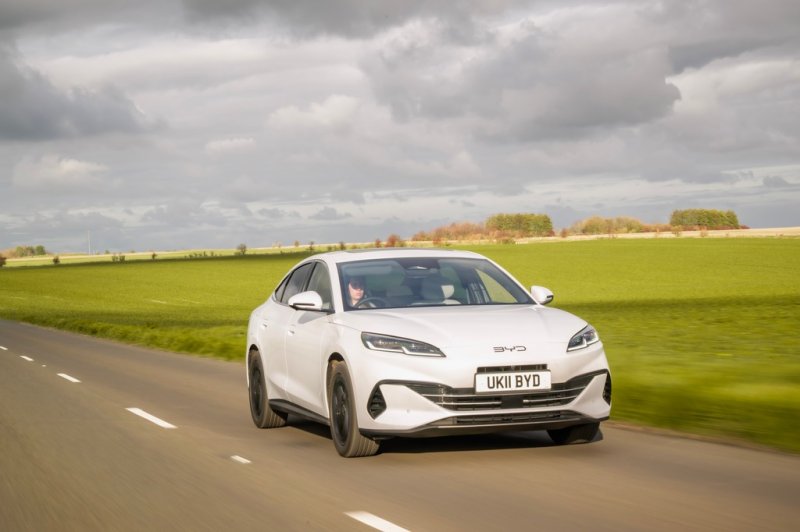
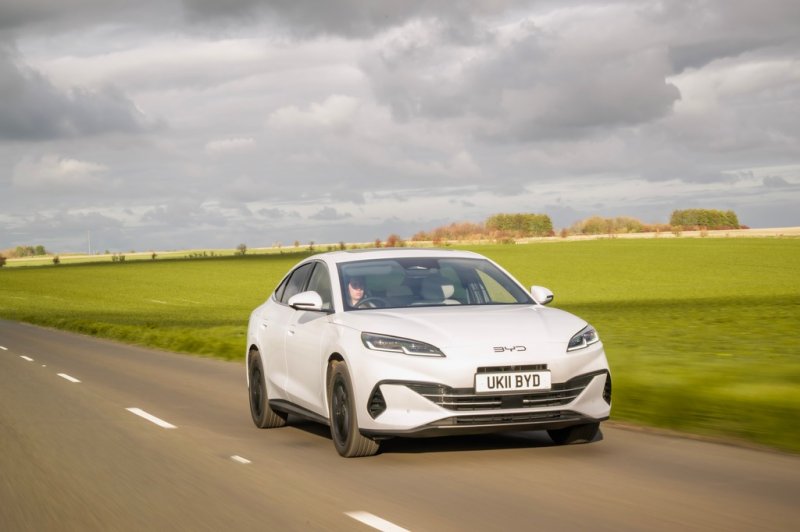
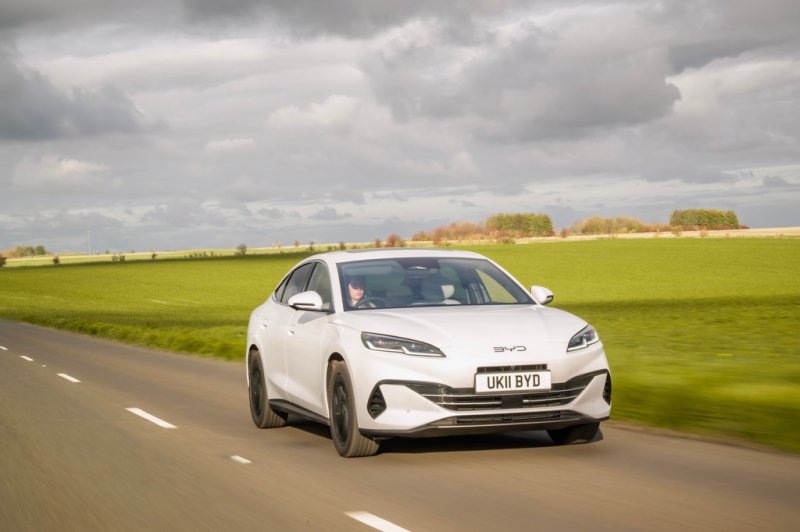
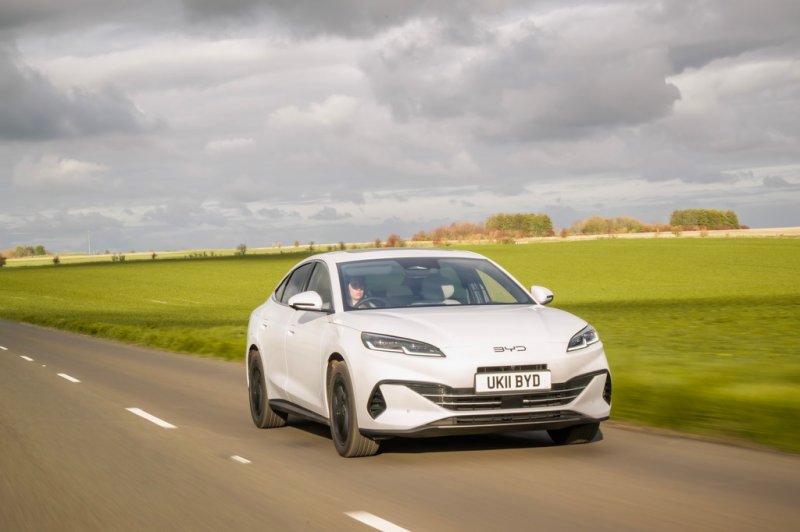
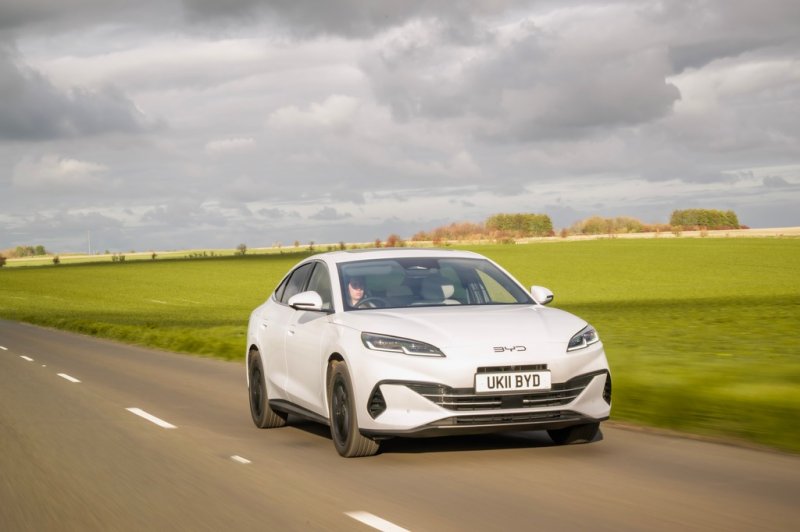
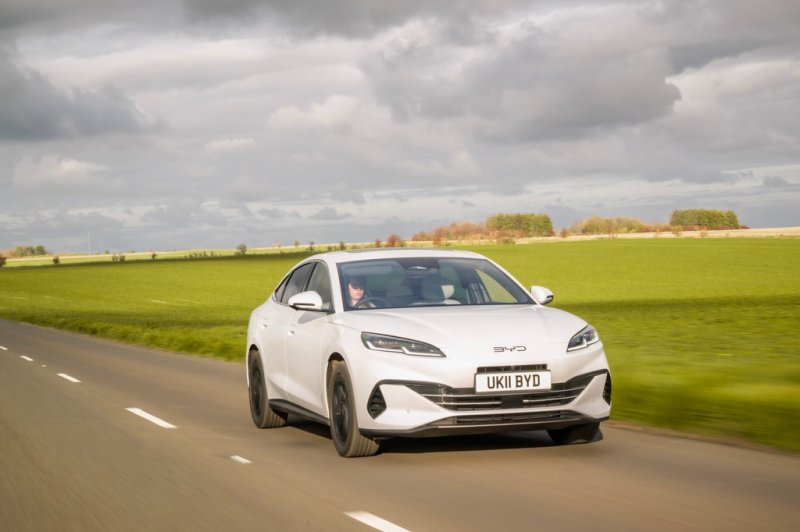
BYD SEAL 6 DM-i
The SEAL 6 DM-i sedan forum covers European Boost and Comfort choices, Blade Battery and hybrid operation, charging and sedan-specific ownership.
Forums
-
Compare SEAL 6 DM-i sedan trims, test drives and used-car checks. Discuss how the sedan works for commuting and longer journeys in your market.
- 0 posts
-
Discuss the SEAL 6 DM-i sedan's LFP Blade Battery and gasoline-electric drive. Compare Boost and Comfort battery sizes and how EV and HEV modes behave.
- 0 posts
-
Compare SEAL 6 DM-i sedan home charging, electric commute range and highway fuel use. Identify the trim when sharing DC charging results.
- 0 posts
-
Explore the SEAL 6 DM-i sedan's energy screen, navigation and phone connection. Include trim and firmware when asking about app functions or updates.
- 0 posts
-
Check SEAL 6 DM-i sedan trunk access, rear-seat room and cabin equipment. Compare seat, camera and convenience features by Boost or Comfort trim.
- 0 posts
-
Share your SEAL 6 DM-i sedan photos and ownership journal. Document your commuting setup, accessory fit and how the sedan works on longer trips.
- 0 posts