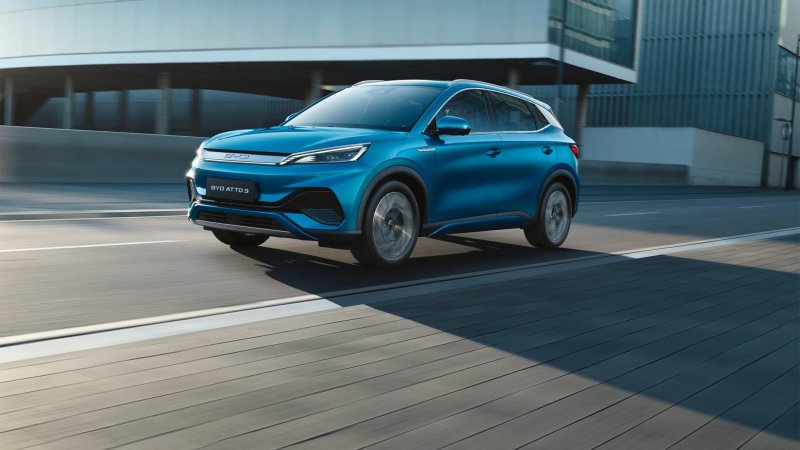
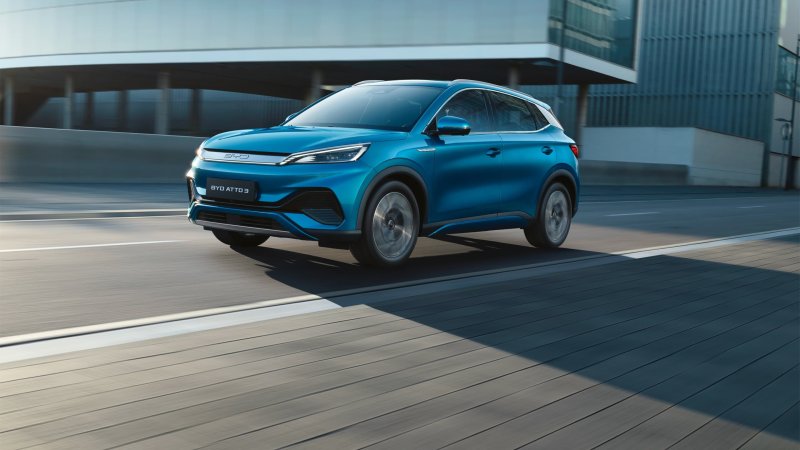
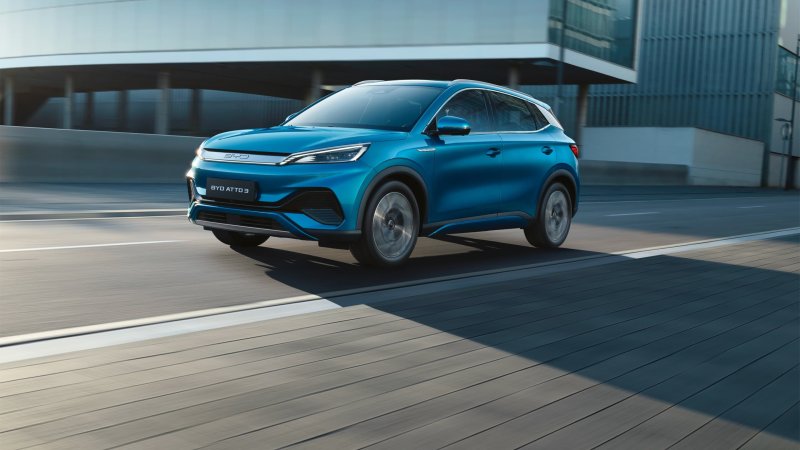
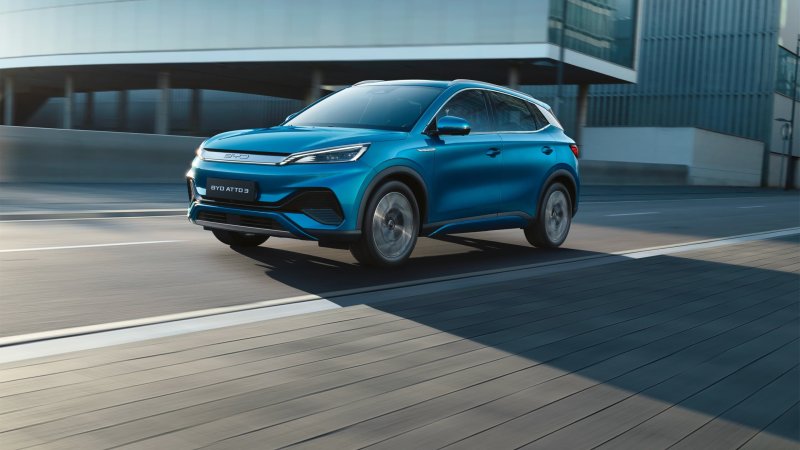
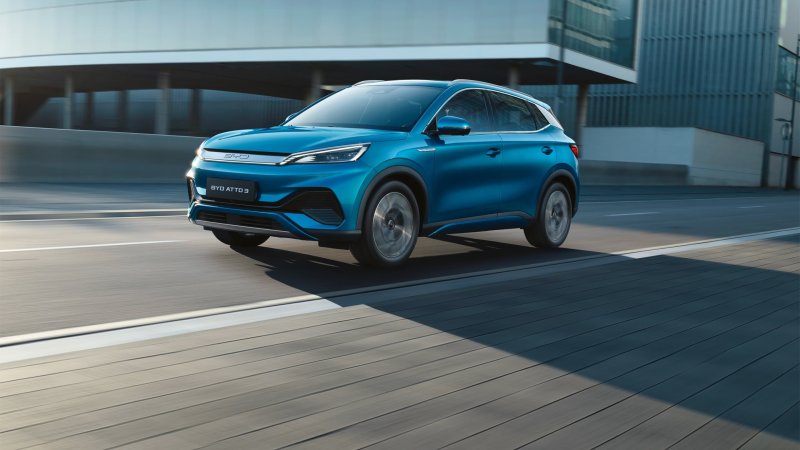
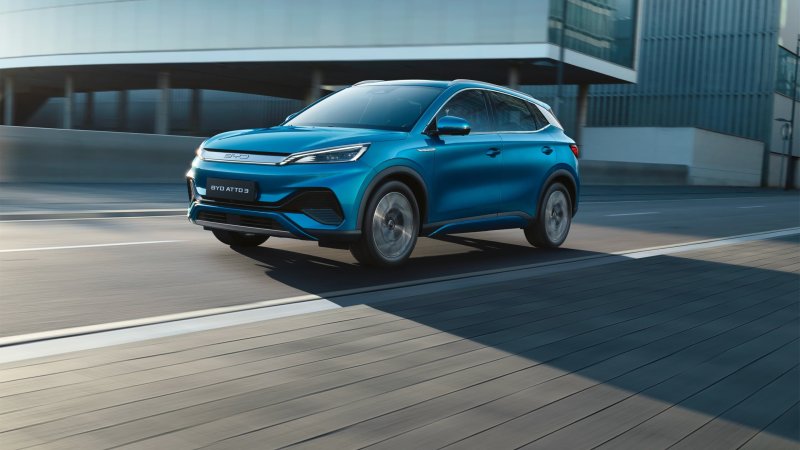
BYD ATTO 3 / YUAN PLUS
Owners of the original BYD ATTO 3 and YUAN PLUS can compare model years, Blade Battery performance, charging and the rotating-screen cabin here.
Forums
-
Compare original ATTO 3 and YUAN PLUS model years, trims and service experiences. Ask what to check before buying a used electric crossover.
- 0 posts
-
Discuss the original ATTO 3 Blade Battery, e-Platform 3.0 and front-wheel-drive motor. Compare regeneration, ride and powertrain behavior by model year.
- 0 posts
-
Compare ATTO 3 AC and DC charging sessions, highway efficiency and cold-weather range. Record the model year, charger and start and end battery levels.
- 0 posts
-
Troubleshoot the ATTO 3 rotating screen, navigation and phone projection. Record the region and software build when sharing BYD app or OTA behavior.
- 0 posts
-
Explore ATTO 3 cabin controls, rear seats and trunk storage. Compare cameras, seat features and accessory fit across ATTO 3 and YUAN PLUS versions.
- 3 posts
-
Introduce your ATTO 3 or YUAN PLUS with photos. Record the model year, accessories, ownership milestones and lessons from longer trips.
- 0 posts