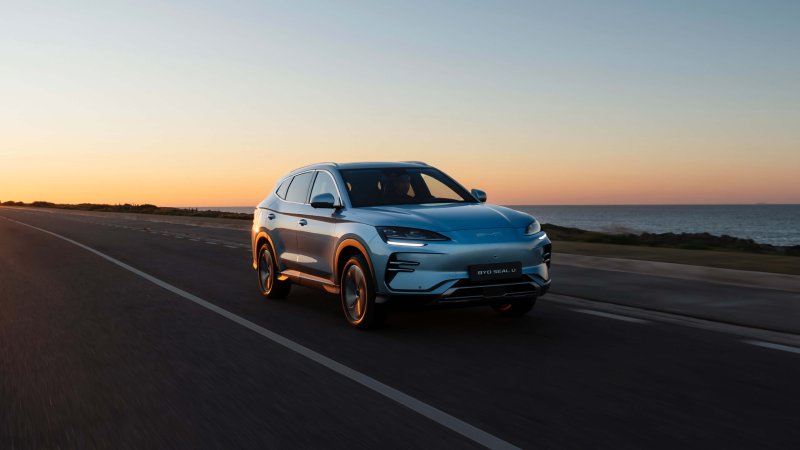
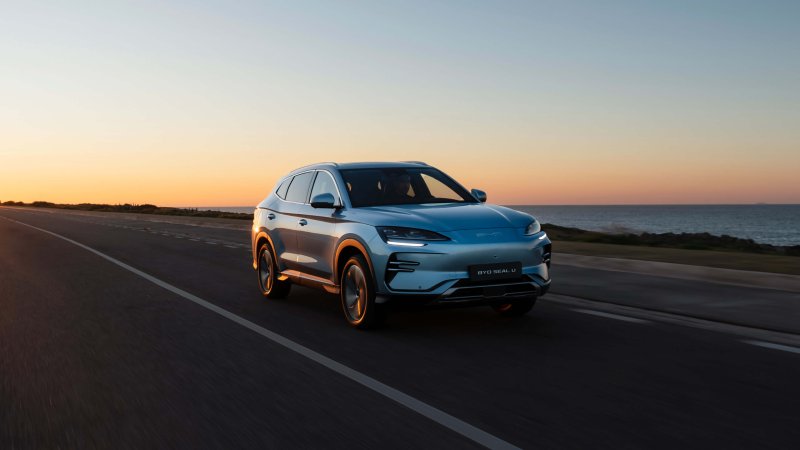
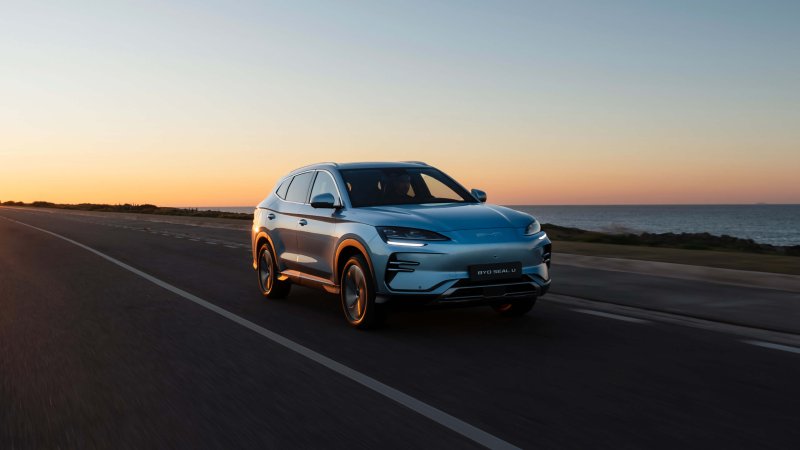
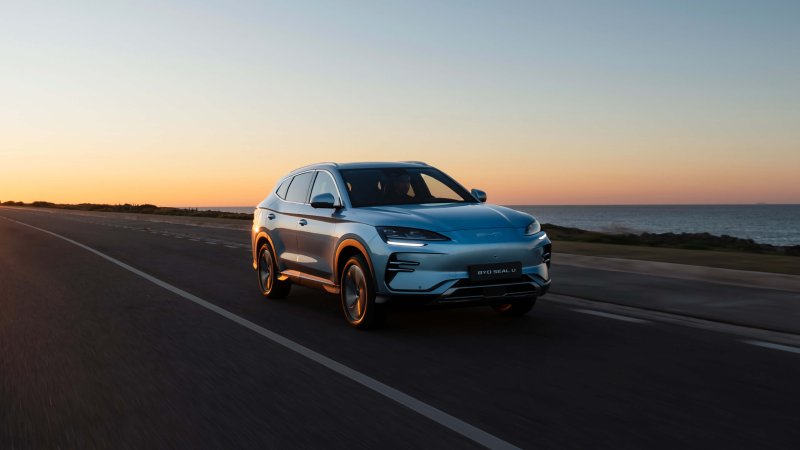
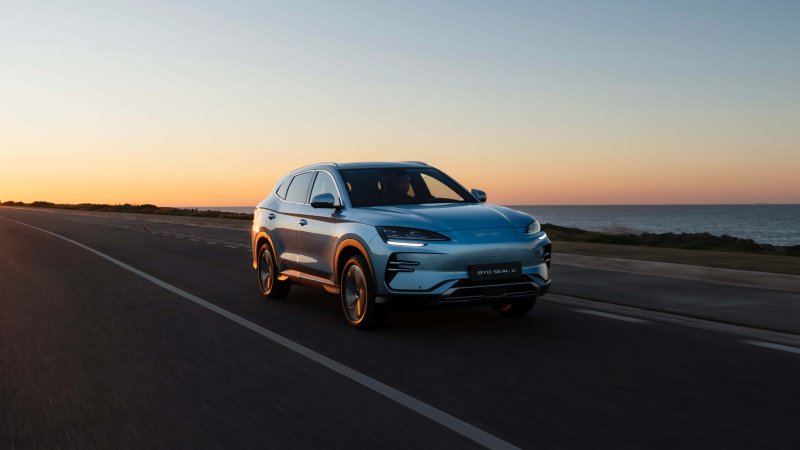
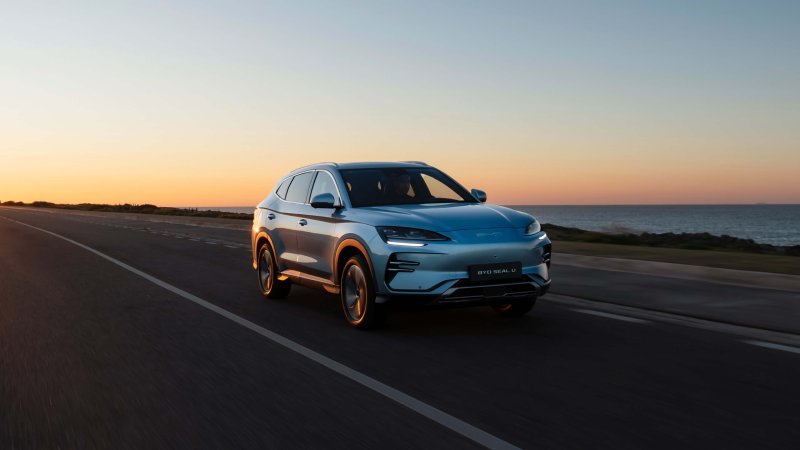
BYD SEAL U / SONG PLUS EV
The SEAL U EV and SONG PLUS EV forum covers the battery-electric family SUVs, including market-specific trims, charging and practical ownership.
Forums
-
Compare the SEAL U EV and SONG PLUS EV when shopping for an electric family SUV. Discuss local trims, model years and used-car checks.
- 0 posts
-
Discuss the SEAL U EV Blade Battery, electric drive and heat pump in European versions. Compare SONG PLUS EV equipment using its own market specifications.
- 0 posts
-
Compare SEAL U EV home charging, public DC stops and range with a full family load. Identify the pack, version and route when sharing results.
- 0 posts
-
Set up SEAL U EV NFC access, navigation and remote cabin temperature where supported. Report your region and software build for BYD app or OTA questions.
- 0 posts
-
Explore SEAL U EV rear-seat comfort, trunk access, seat adjustment and camera equipment. Include the trim when comparing parts with SONG PLUS EV.
- 0 posts
-
Post your SEAL U EV or SONG PLUS EV photos. Share luggage setups, longer journeys and how the electric SUV fits your family's routine.
- 0 posts