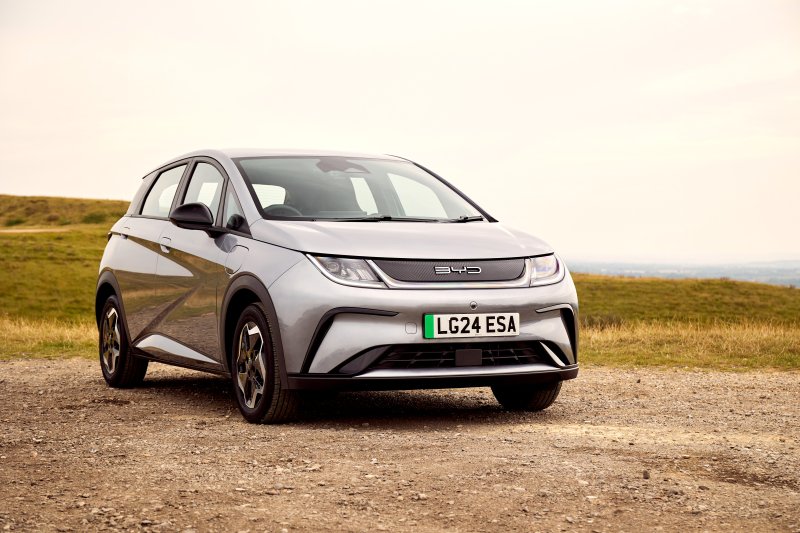
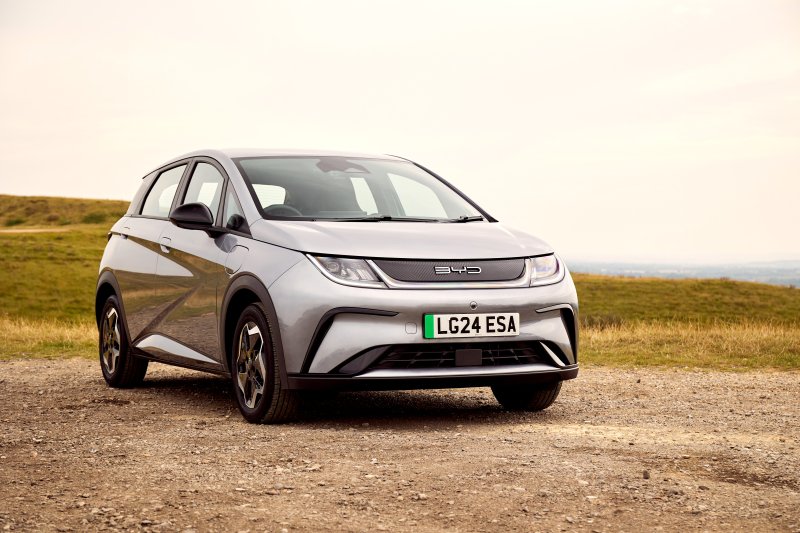
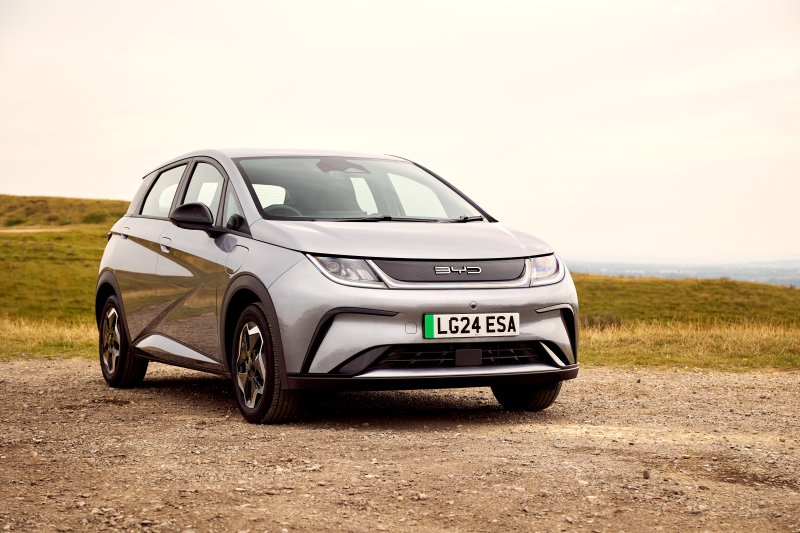
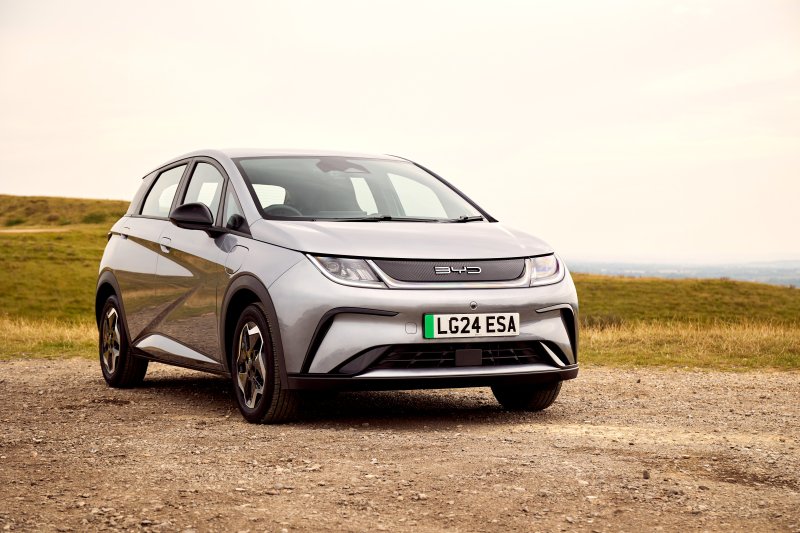
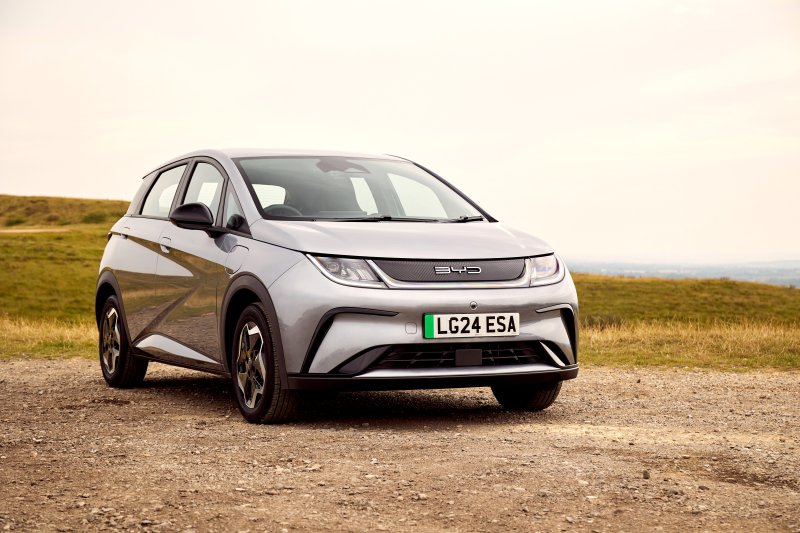
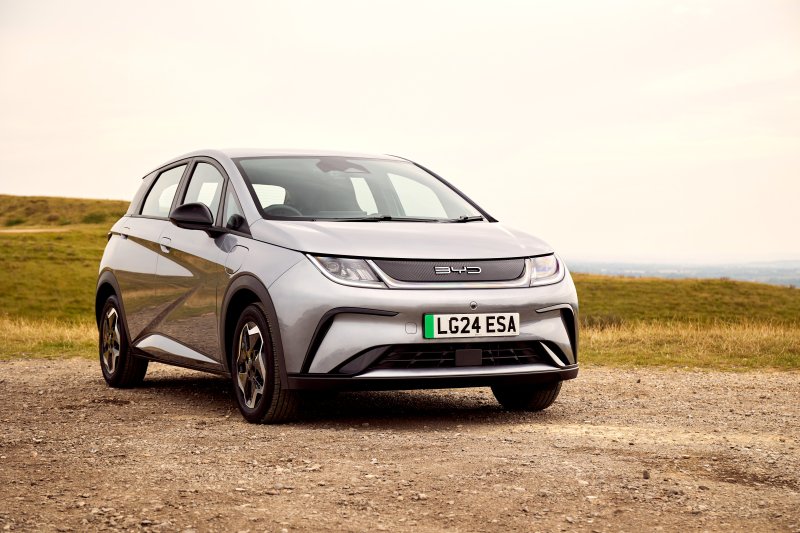
BYD DOLPHIN
Find buying advice, Blade Battery discussions and owner reports for the original BYD DOLPHIN electric hatchback, including DOLPHIN PLUS and DOLPHIN SE.
Forums
-
Choosing a DOLPHIN for everyday driving? Compare trims, used-car checks and ownership costs, including DOLPHIN PLUS and SE versions in Brazil.
- 0 posts
-
Discuss the DOLPHIN's LFP Blade Battery, e-Platform 3.0 and regenerative braking. Compare motor and battery options for your market and model year.
- 0 posts
-
Plan DOLPHIN home charging and DC stops, or compare winter and highway range. Include your battery size, speed and temperature when reporting consumption.
- 0 posts
-
Set up the DOLPHIN touchscreen, phone pairing and BYD app. Compare remote climate control and firmware behavior by country and software version.
- 0 posts
-
Check what fits in a DOLPHIN hatchback, from child seats to luggage. Compare rear-seat folding, cabin features and accessories for your trim.
- 0 posts
-
Share photos and keep a DOLPHIN ownership journal. Show how you set up your hatchback for commuting, family errands or longer electric trips.
- 0 posts