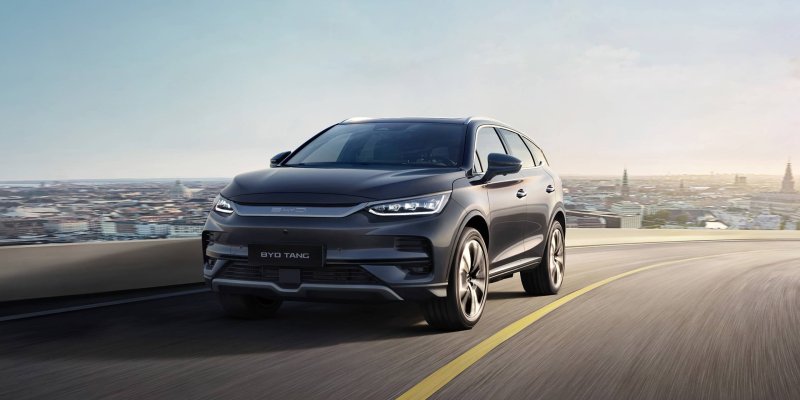
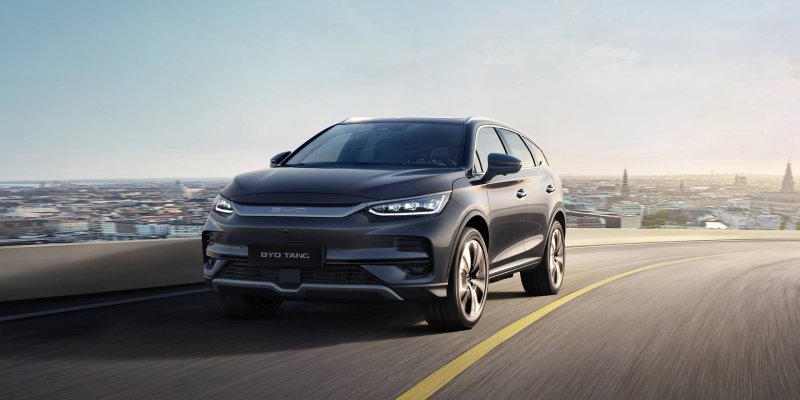
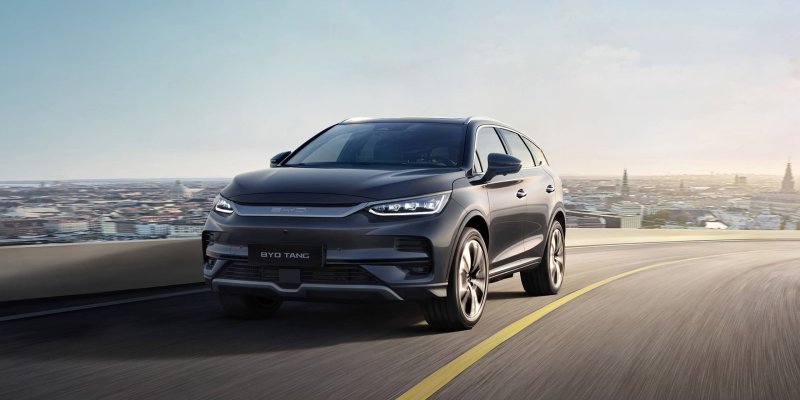
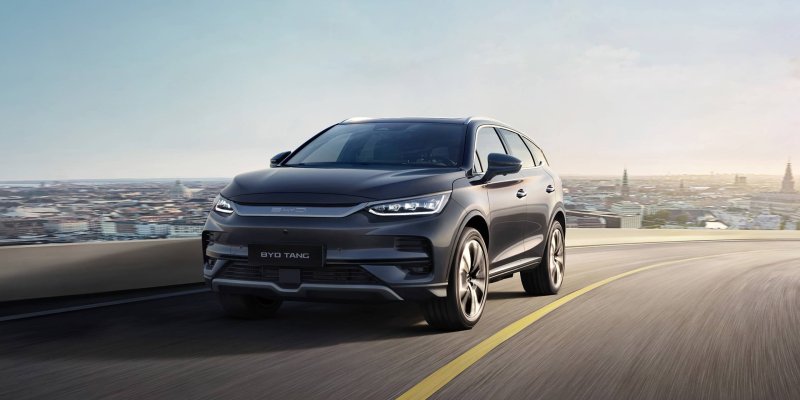
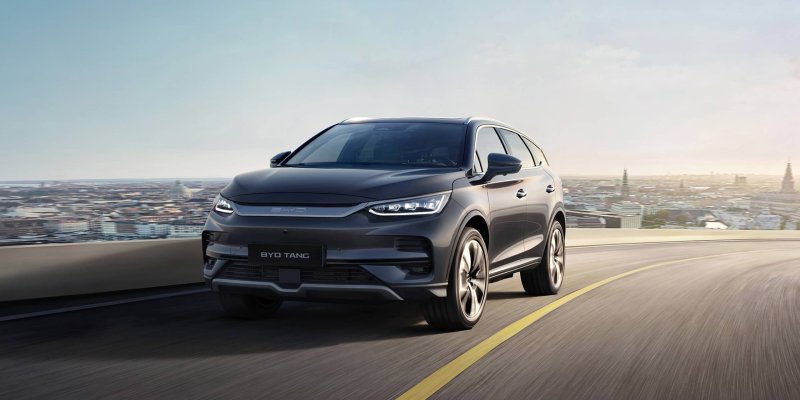
BYD TANG / TAN (EV)
Discuss the three-row TANG EV and Brazilian TAN, with separate comparisons by model year for Blade Battery, AWD, charging and seven-seat use.
Forums
-
Compare TANG EV and TAN versions for seven-seat family use. Ask about buying checks, third-row practicality, service support and differences between model years.
- 0 posts
-
Discuss the TANG EV Blade Battery and dual-motor AWD. Compare the 2024 European model's DiSus-C damping and drive modes with your market's equipment.
- 0 posts
-
Plan a TANG EV trip with passengers and luggage. Compare DC charging sessions and highway range by battery generation, temperature and load.
- 0 posts
-
Ask about TANG EV screen settings, phone pairing and parking-camera views. Include the model year and head-unit version when comparing updates.
- 0 posts
-
Compare TANG EV second- and third-row access, seat folding, luggage space with all seats raised and accessories for your version.
- 0 posts
-
Share photos of your TANG EV or TAN. Document seven-seat road trips, luggage arrangements and the practical changes you made to your SUV.
- 0 posts