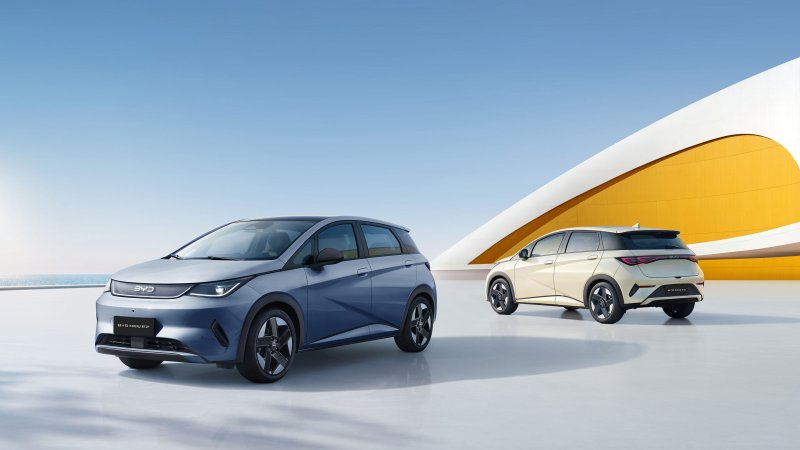
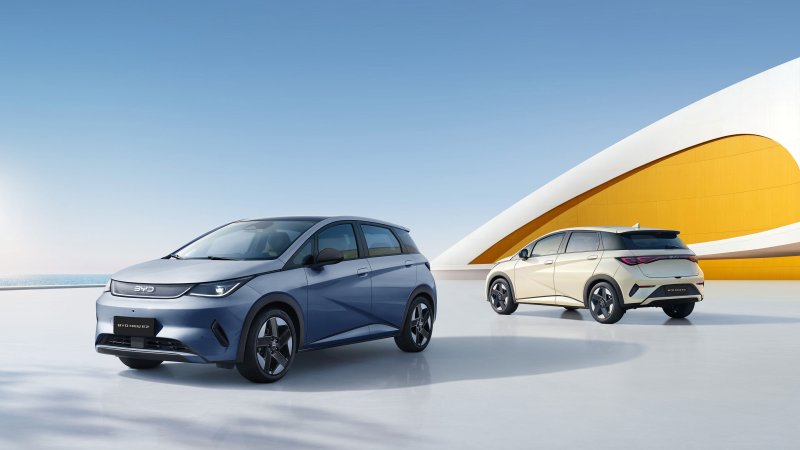
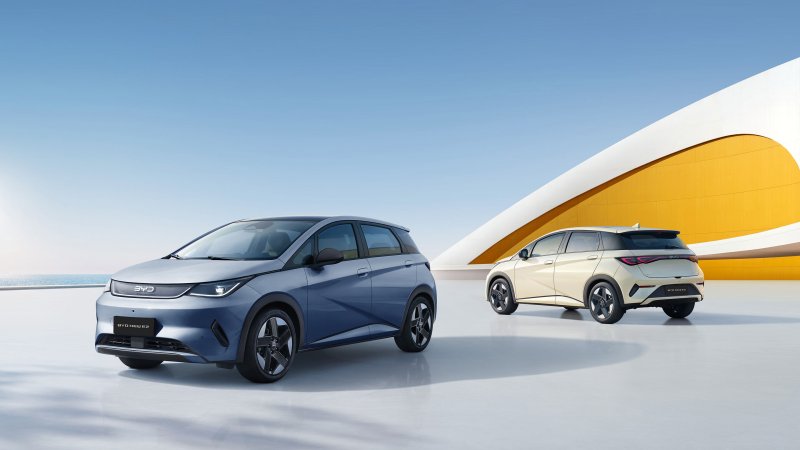
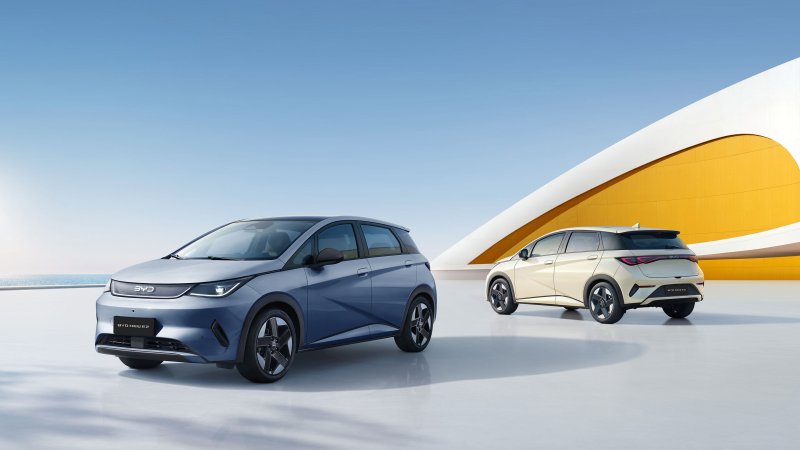
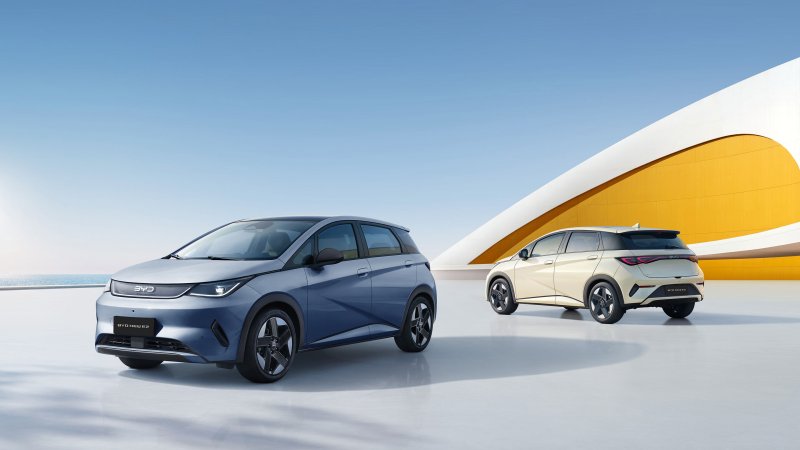
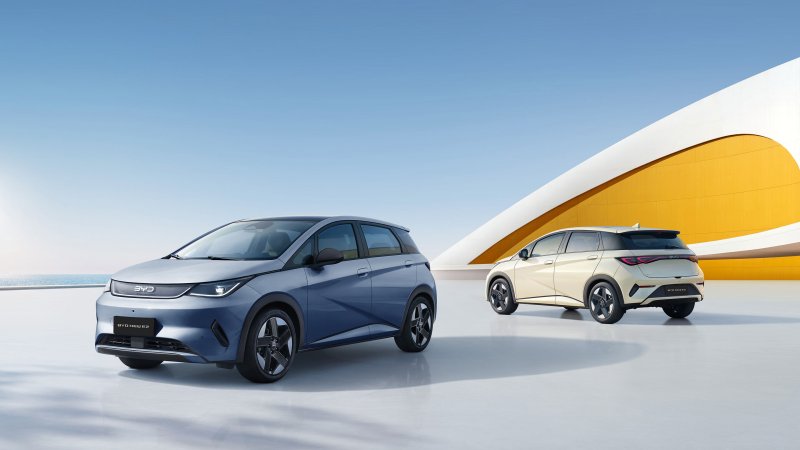
BYD e2 / NEW E2
An owners' forum for the BYD e2 electric hatchback, including Uruguay's NEW E2. Discuss local versions, charging, equipment and daily driving.
Forums
-
Compare BYD e2 and NEW E2 listings, used-car checks and the cost of running a compact EV. Include the country, model year and version.
- 0 posts
-
Discuss the Blade Battery on Uruguay's NEW E2 and how the e2's electric drive and regenerative braking feel in daily use. Specify the generation.
- 0 posts
-
Compare e2 charging connectors, home charging times and real city range. State the country and battery version before comparing charging reports.
- 0 posts
-
Set up the BYD e2 display, phone connection and audio. Share which infotainment languages and menus your local NEW E2 software offers.
- 0 posts
-
Explore e2 hatchback cargo space, rear seats and center-console storage. Compare wireless phone charging and cabin equipment on local NEW E2 trims.
- 0 posts
-
Introduce your BYD e2 or NEW E2 with photos. Keep notes on commuting, carrying everyday luggage and fitting accessories to the hatchback.
- 0 posts