Technology & Ownership
Discuss BYD battery technology, chargers, connected services, maintenance and trip planning across models. Include your market and vehicle version.
Forums
-
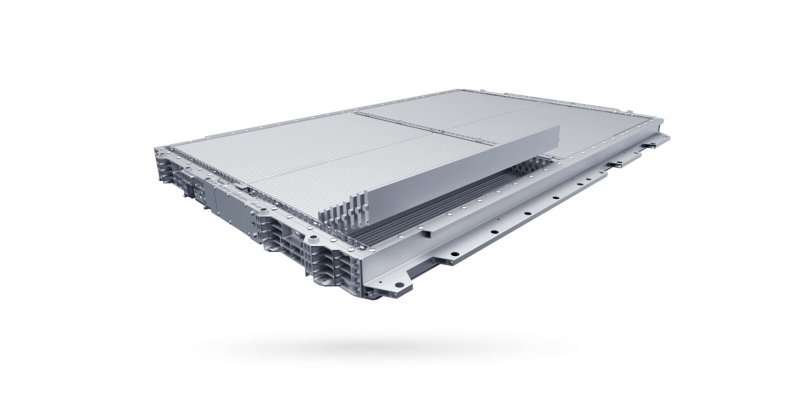
Compare BYD Blade Battery design, battery health, thermal management, regenerative braking and electric or hybrid drivetrains. Name the model and version.
- 1 post
-
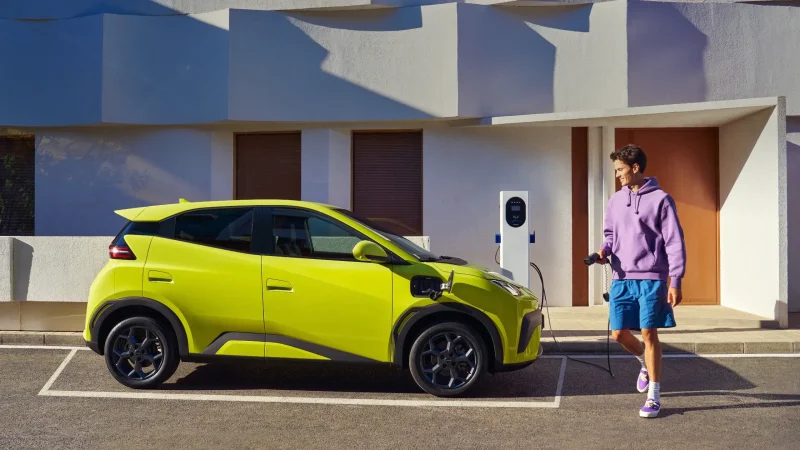
Discuss BYD home charger selection, installation and public charging in Europe and the Americas. Compare connector standards, charging apps and roaming.
- 2 posts
-
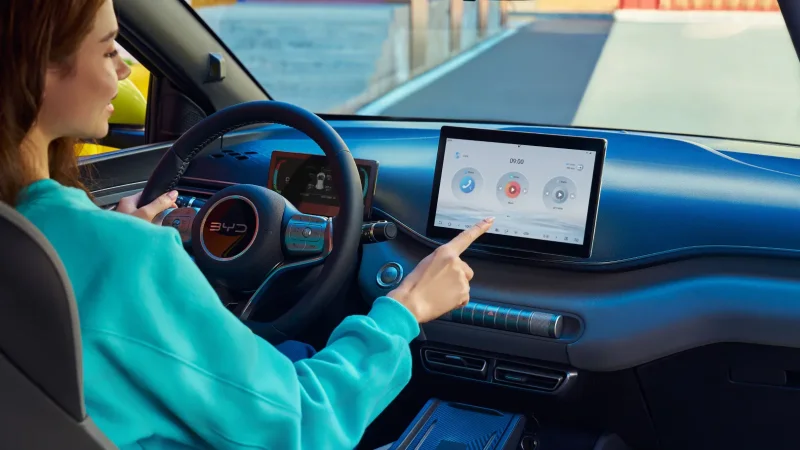
Discuss BYD app setup, digital keys, remote controls and OTA updates across models. Include your country, vehicle and software version when asking for help.
- 0 posts
-
Compare BYD dealer and workshop experiences, service schedules and warranty coverage. Identify the country, model year and applicable warranty terms.
- 0 posts
-
Plan BYD journeys with realistic energy use, charger stops and weather. Share the car, route, cruising speed and load when comparing predicted and real range.
- 0 posts
-
Discuss BYD vehicle registration, EV incentives, road taxes and insurance by country. Date your information and link to the authority or provider involved.
- 0 posts