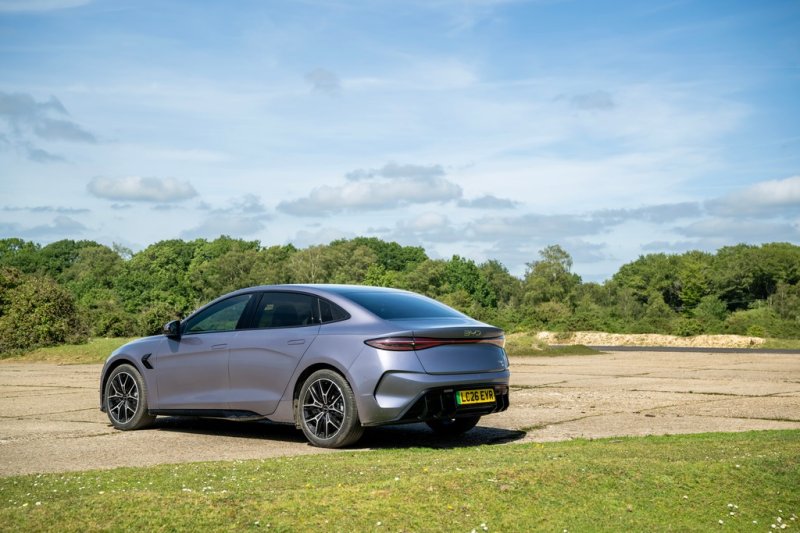
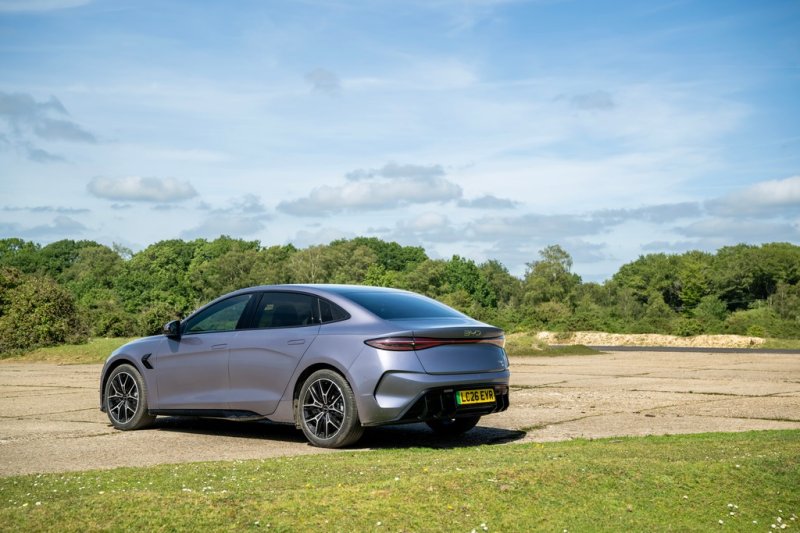
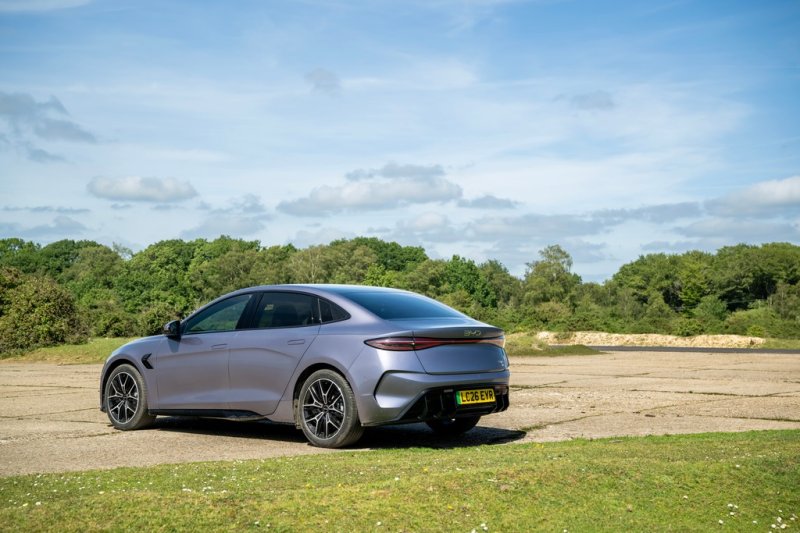
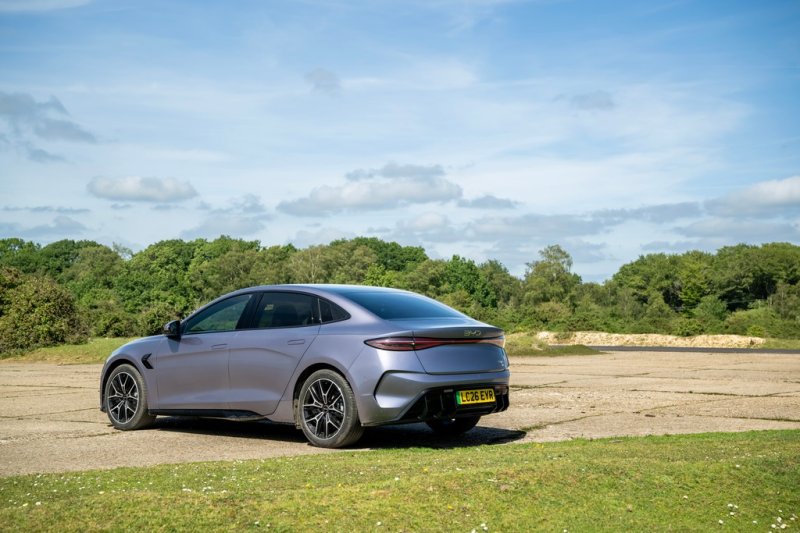
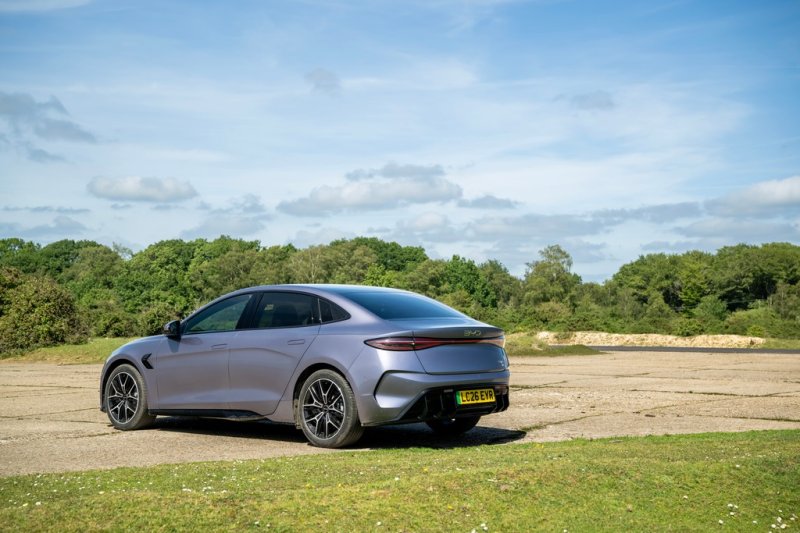
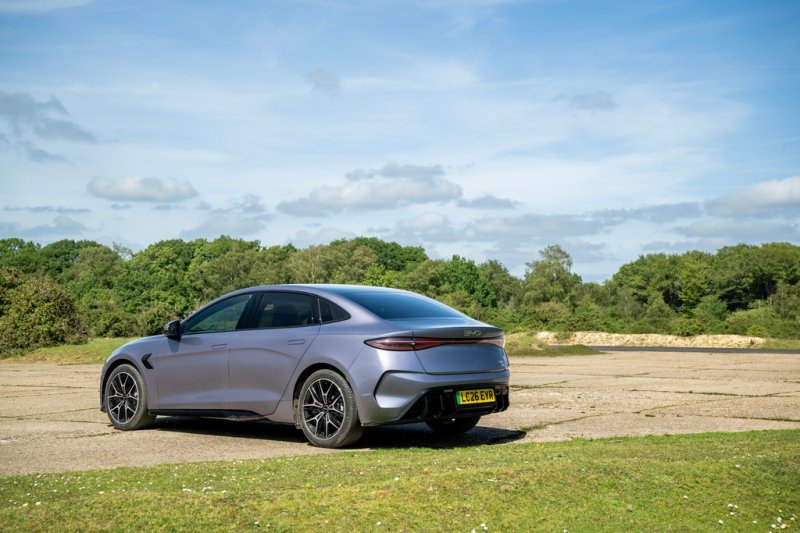
BYD SEAL
Discuss the BYD SEAL electric sedan, from rear-drive and AWD versions to Blade Battery technology, long-distance charging and life with a low sedan.
Forums
-
Compare SEAL electric sedan trims and test drives. Discuss rear-drive versus AWD ownership, used-car checks and running costs in your country.
- 0 posts
-
Explore the electric SEAL's LFP Blade Battery and Cell-to-Body construction. Compare rear-drive and AWD motors, traction and suspension by version.
- 0 posts
-
Compare SEAL DC charging stops, home AC sessions and highway consumption. Include battery capacity, drivetrain, speed and weather with range reports.
- 1 post
-
Set up the SEAL's rotating display, navigation and phone integration. Compare BYD app and firmware behavior by market, model year and software build.
- 1 post
-
Discuss SEAL front-trunk and rear-trunk access, seating position, roof shading and camera features. Check the trim before comparing equipment.
- 1 post
-
Show your electric SEAL sedan and share an ownership journal. Post wheel and accessory photos, road-trip notes and what worked on your particular version.
- 0 posts