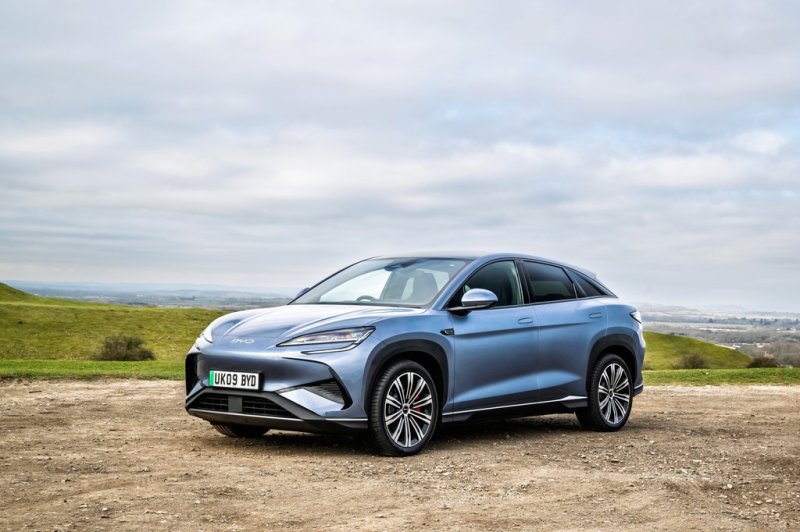
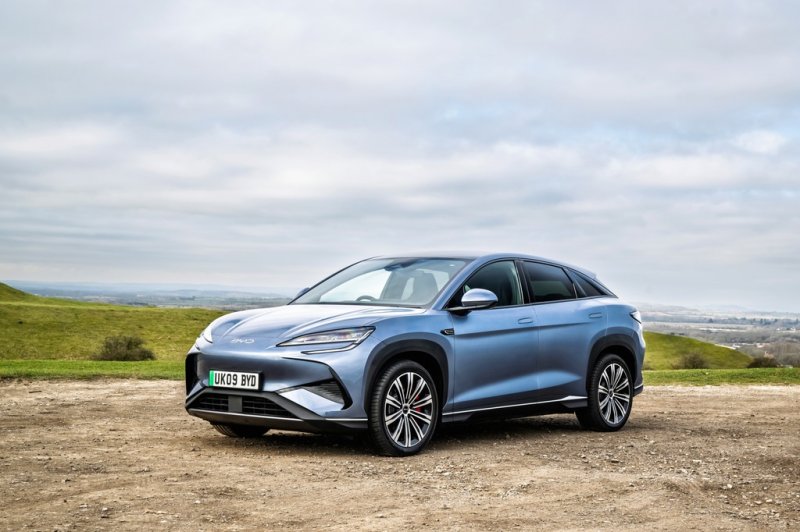
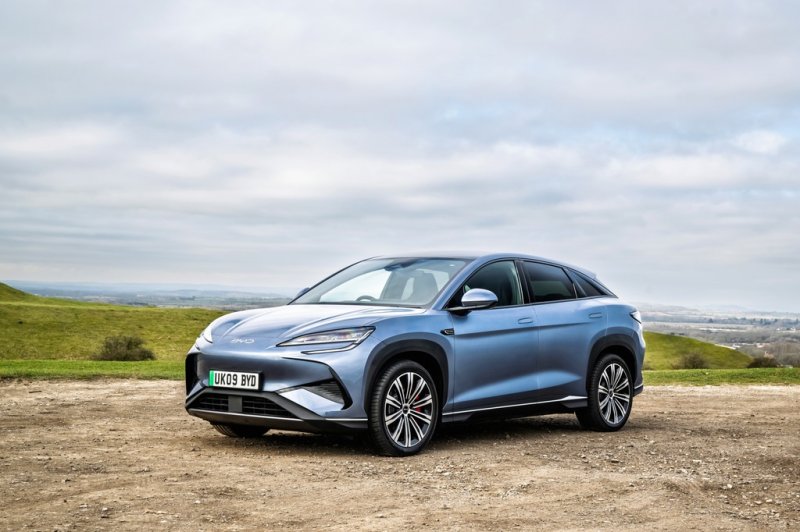
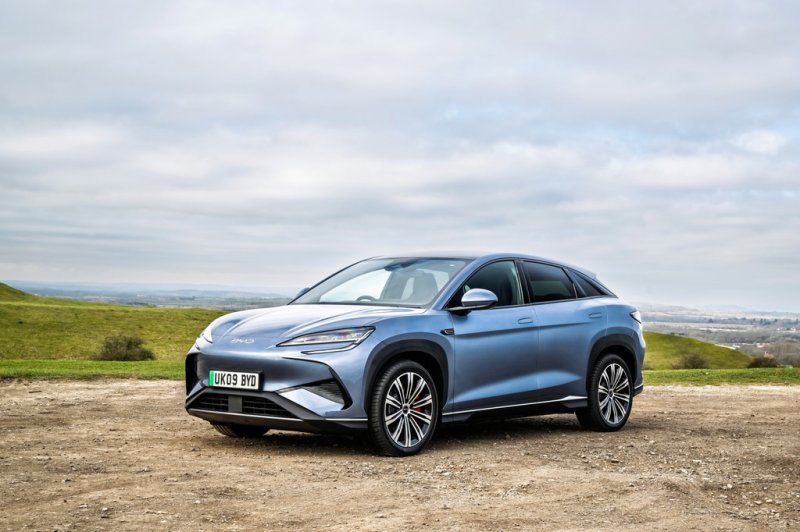
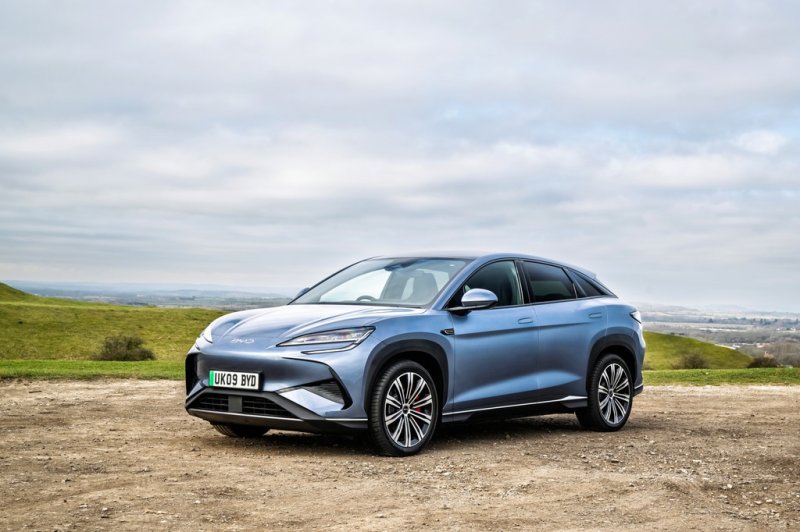
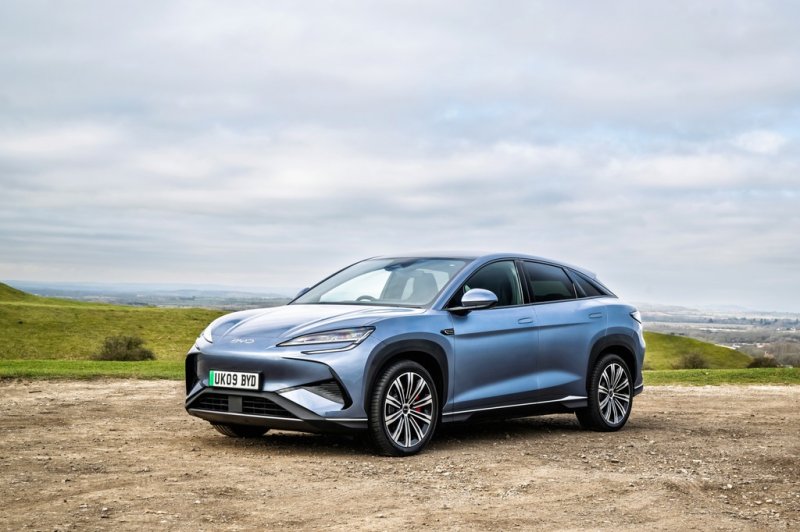
BYD SEALION 7
Explore the SEALION 7 electric SUV, including RWD and AWD trims, Blade Battery sizes, charging on longer journeys and cabin and cargo equipment.
Forums
-
Choosing a SEALION 7? Compare European Comfort, Design AWD and Excellence AWD, then share buying, insurance and daily-use questions for your market.
- 0 posts
-
Discuss SEALION 7 Cell-to-Body construction, LFP Blade Battery options and single- or dual-motor drive. Compare ride and regeneration by trim.
- 0 posts
-
Compare SEALION 7 charging curves and highway range on Comfort, Design and Excellence AWD. Include pack size, charger capability and ambient temperature.
- 0 posts
-
Discuss SEALION 7 voice control by seating zone, navigation and phone projection. Compare OTA changes and app functions by market and software version.
- 1 post
-
Compare SEALION 7 cargo space, front storage and cabin equipment. Ask about fitting luggage, child seats or roof accessories on your trim.
- 2 posts
-
Share SEALION 7 photos and longer-term owner notes. Show how you use its cargo space on family trips and record the trim and equipment you chose.
- 0 posts