Skip to content
View in the app

A better way to browse. Learn more.

BYD Owners’ Forum - BYDBase.com

A full-screen app on your home screen with push notifications, badges and more.

To install this app on iOS and iPadOS
  1. Tap the Share icon in Safari
  2. Scroll the menu and tap Add to Home Screen.
  3. Tap Add in the top-right corner.
To install this app on Android
  1. Tap the 3-dot menu (⋮) in the top-right corner of the browser.
  2. Tap Add to Home screen or Install app.
  3. Confirm by tapping Install.
Facilities

Facilities

Album created by PTiCA · Updated

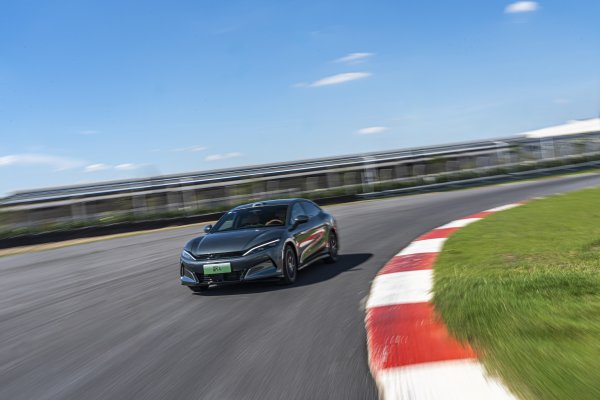
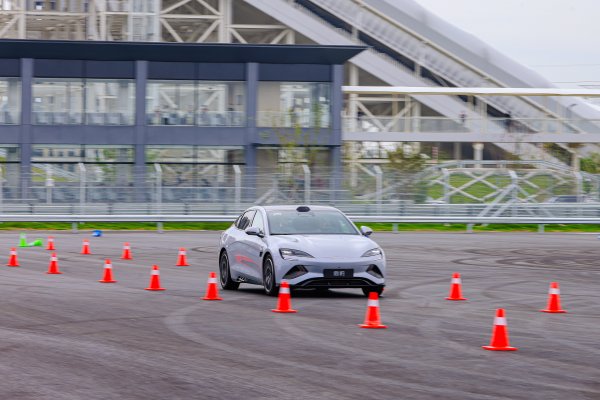
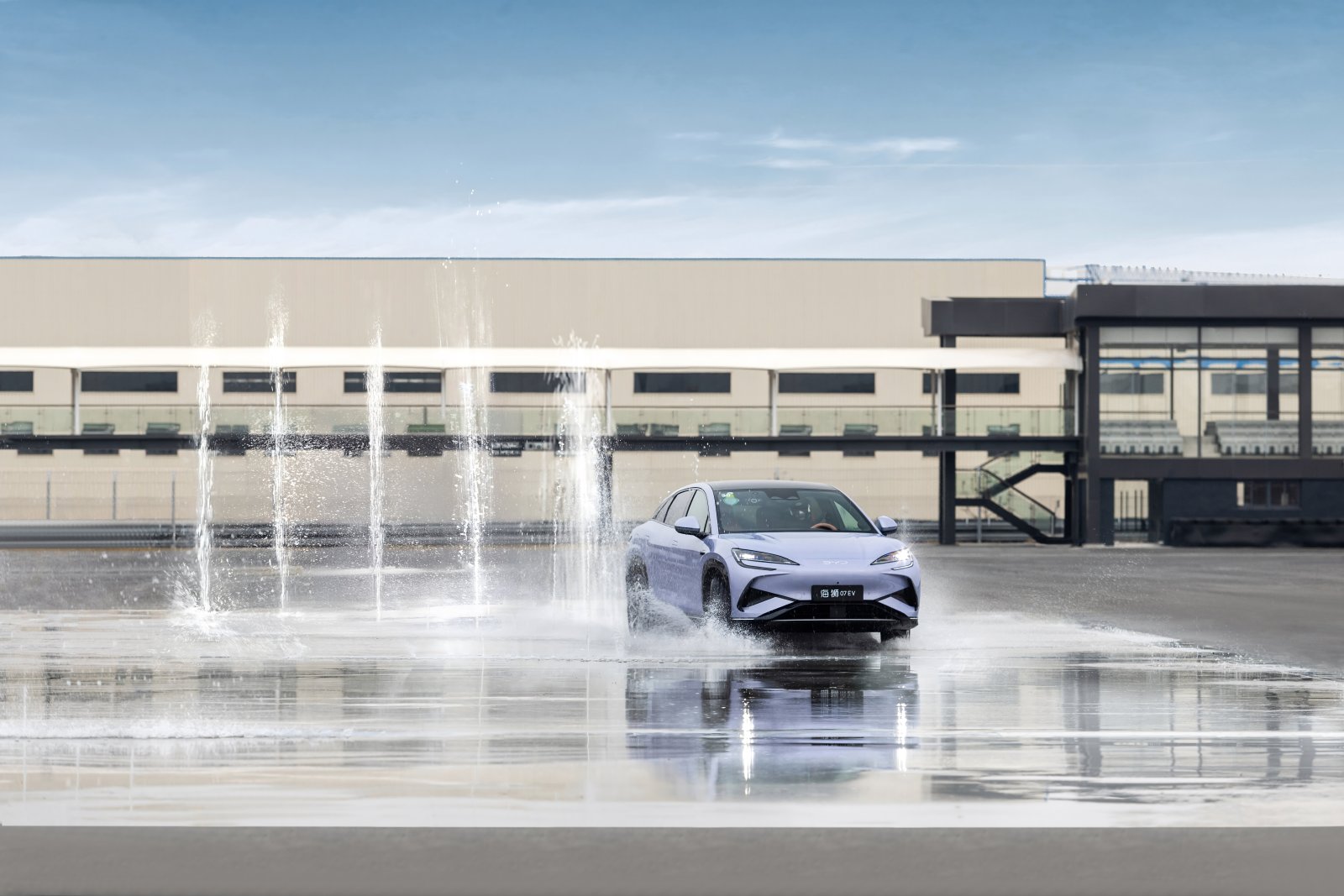
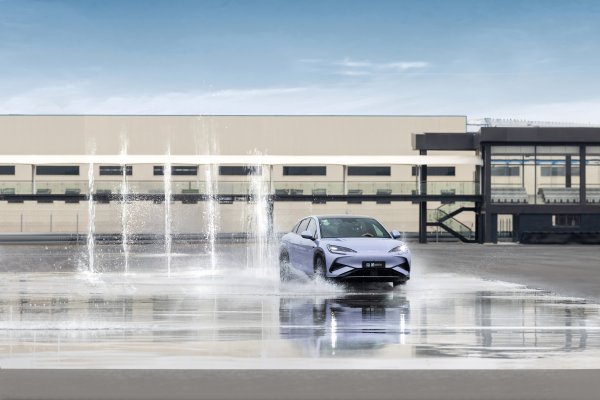
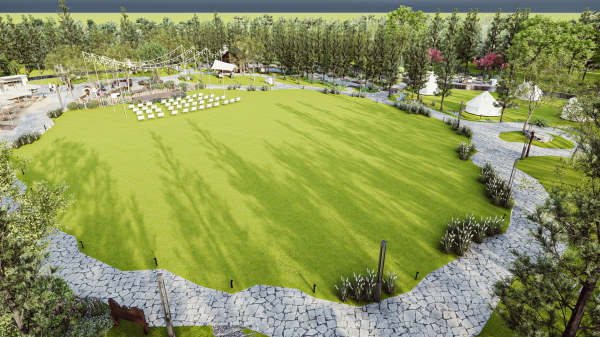
Official BYD UK Media press photographs: Facilities. Names, roles and locations follow the original BYD press captions and their publication context. Curated by the BYDbase editorial team. Uploaded by PTiCA on behalf of BYDbase. Credit: BYD. Editorial and media use under the source gallery permission; any individual credit takes precedence. Source and high-resolution originals: https://bydukmedia.com/en/galleries/people-offices-facilities/facilities.html
There are no comments to display.

Join the conversation

You can post now and register later. If you have an account, sign in now to post with your account.

Guest
Add a comment...

Account

Navigation

Search

Search

Configure browser push notifications

Chrome (Android)
  1. Tap the lock icon next to the address bar.
  2. Tap Permissions → Notifications.
  3. Adjust your preference.
Chrome (Desktop)
  1. Click the padlock icon in the address bar.
  2. Select Site settings.
  3. Find Notifications and adjust your preference.