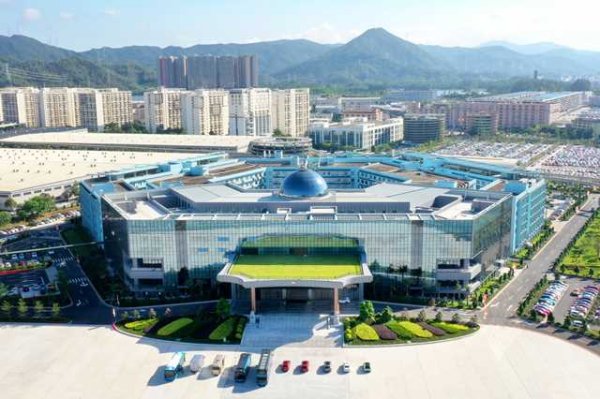
Key People, Head Offices and Facilities
Official BYD press photographs of people, offices and facilities. Names and roles follow the original press captions and reflect their source context.
Albums
-
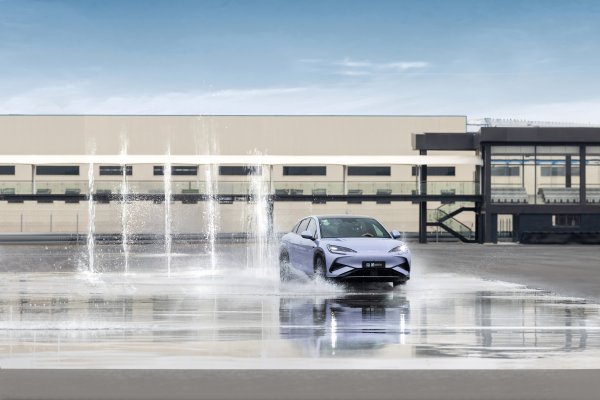
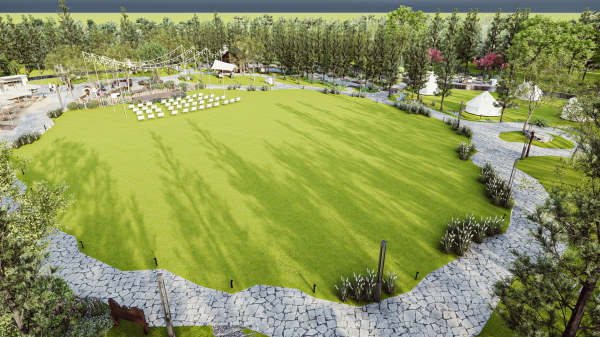
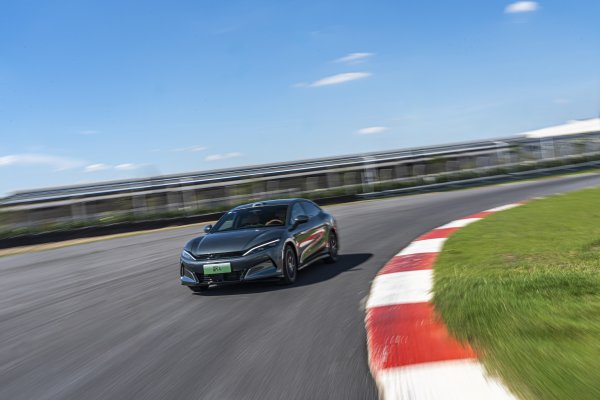
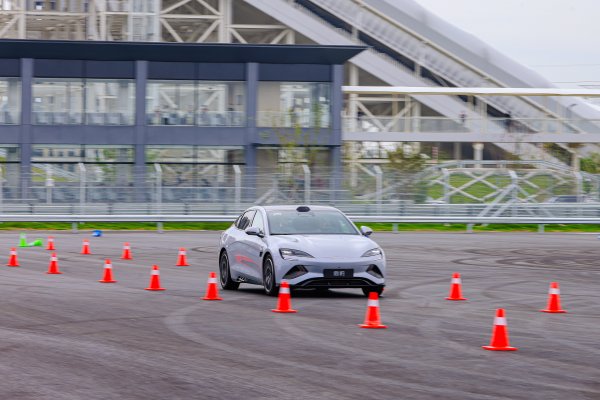
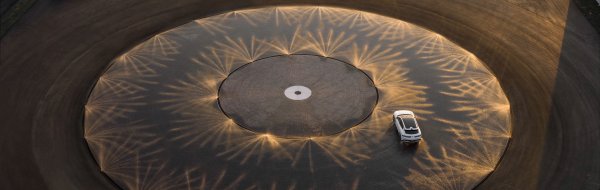
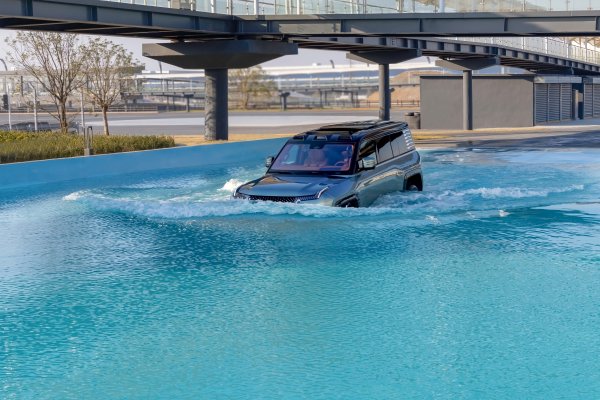
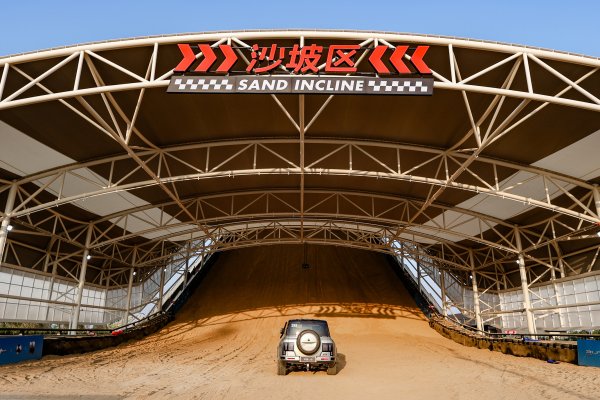
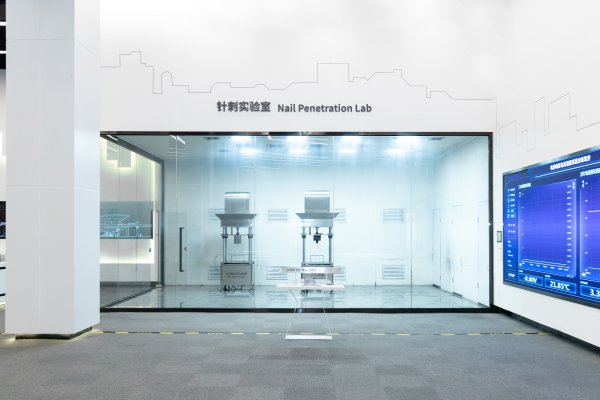
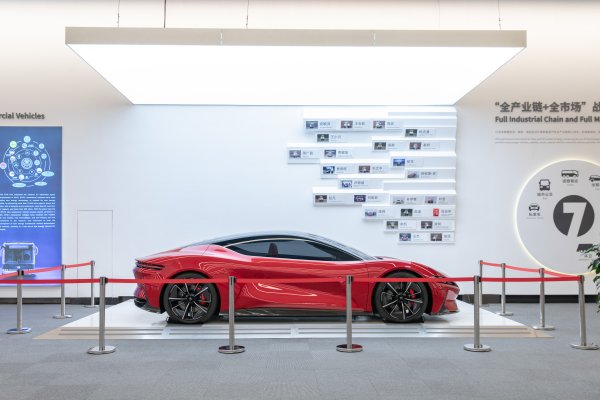
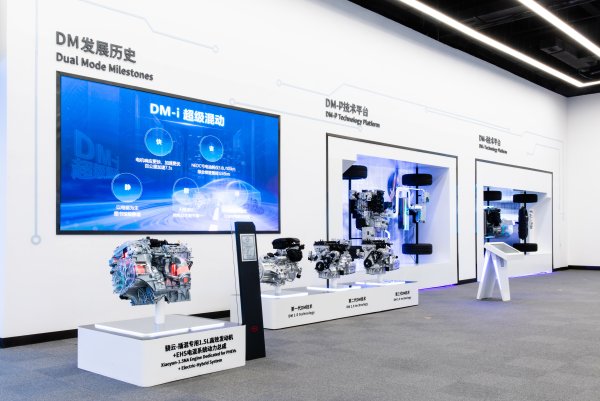
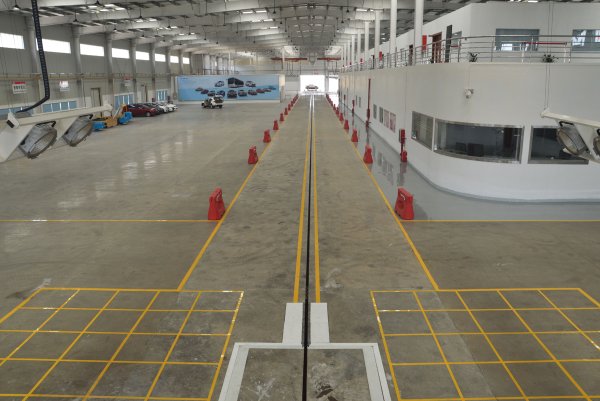
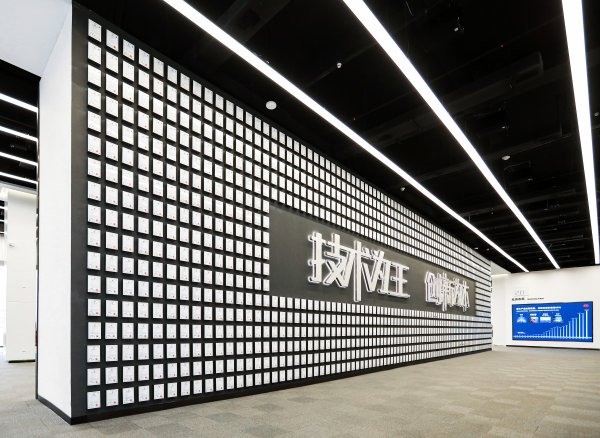
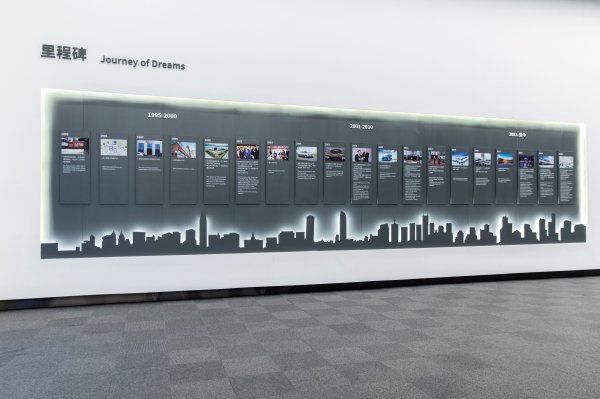
Official BYD UK Media press photographs: Facilities. Names, roles and locations follow the original BYD press captions and their publication context. Curated by the BYDbase editorial team. Uploaded by PTiCA on behalf of BYDbase. Credit: BYD. Editorial and media use under the source gallery permission; any individual credit takes precedence. Source and high-resolution originals: https://bydukmedia.com/en/galleries/people-offices-facilities/facilities.html
-
-
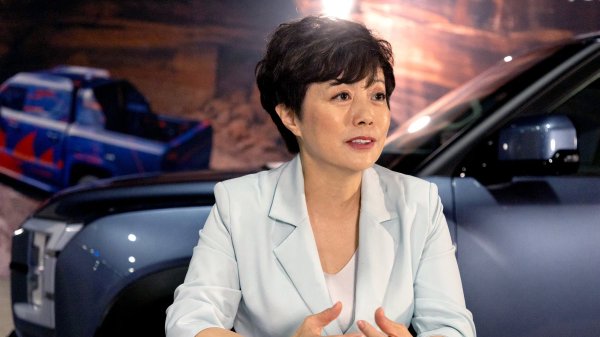
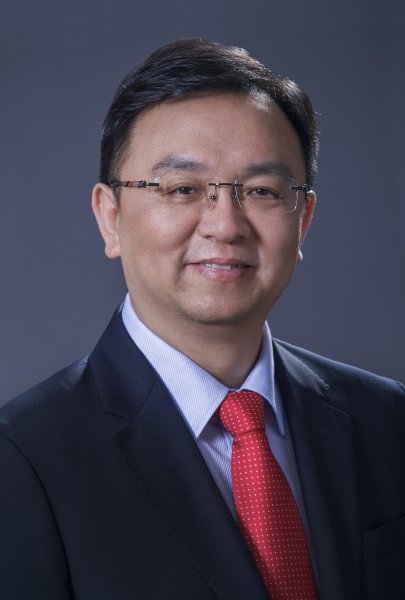
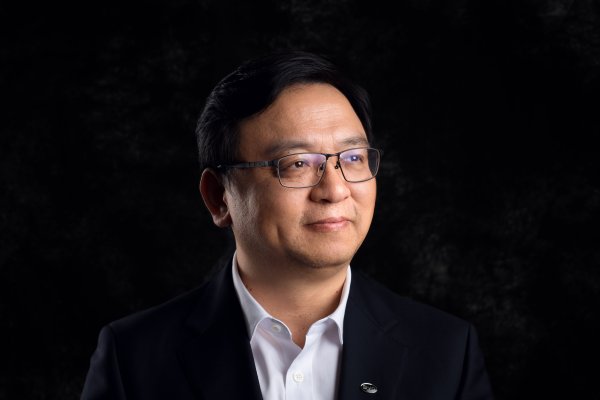
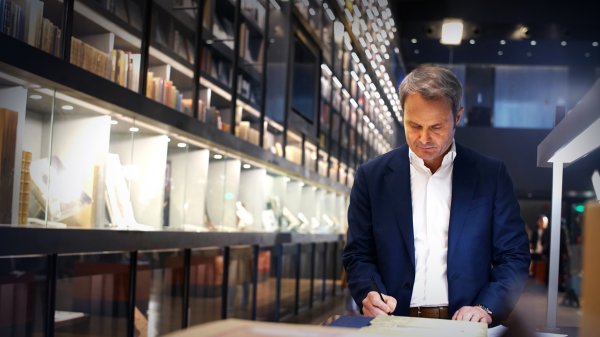
Official BYD UK Media press photographs: Key People. Names, roles and locations follow the original BYD press captions and their publication context. Curated by the BYDbase editorial team. Uploaded by PTiCA on behalf of BYDbase. Credit: BYD. Editorial and media use under the source gallery permission; any individual credit takes precedence. Source and high-resolution originals: https://bydukmedia.com/en/galleries/people-offices-facilities/people.html
-
-
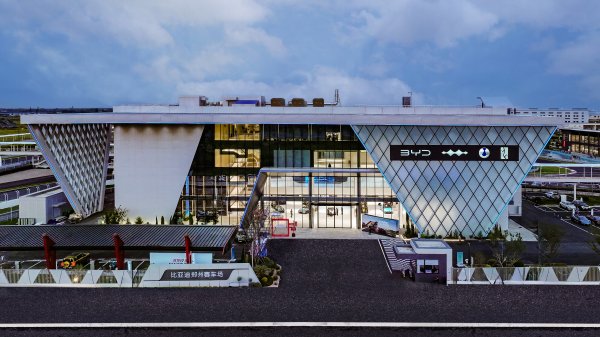
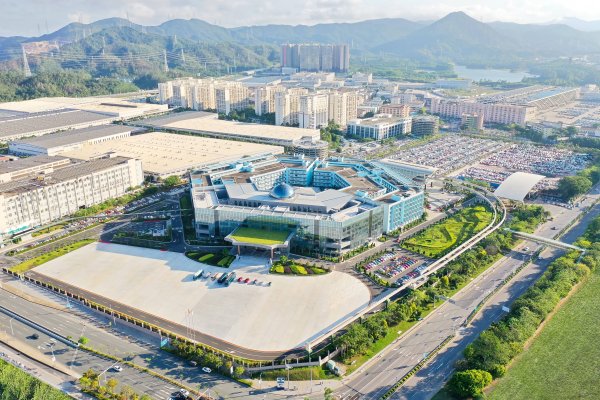
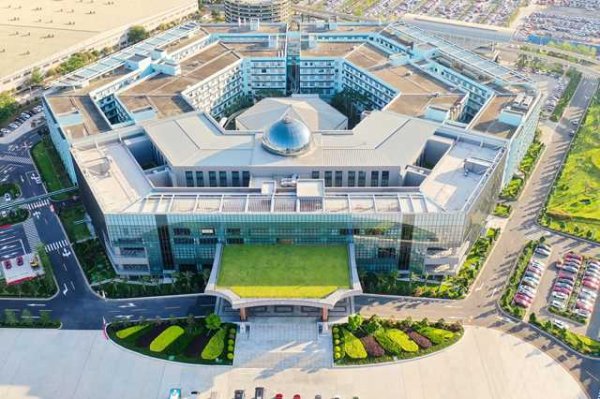
Official BYD UK Media press photographs: Head Offices. Names, roles and locations follow the original BYD press captions and their publication context. Curated by the BYDbase editorial team. Uploaded by PTiCA on behalf of BYDbase. Credit: BYD. Editorial and media use under the source gallery permission; any individual credit takes precedence. Source and high-resolution originals: https://bydukmedia.com/en/galleries/people-offices-facilities/byd-head-offices.html
-