




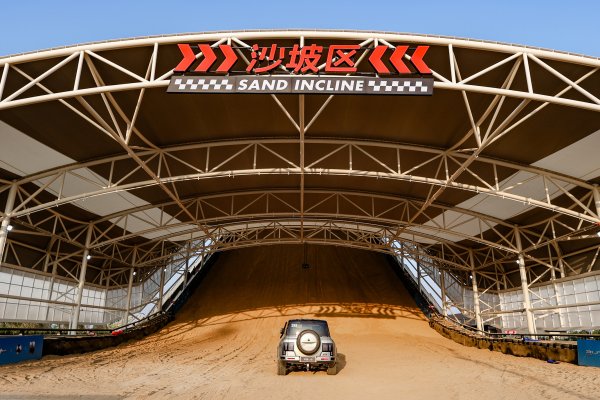
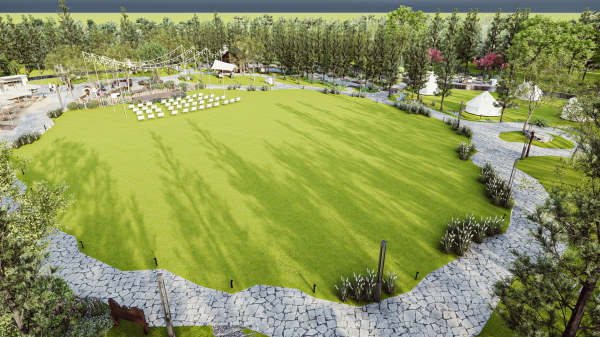
BYD launches China’s first NEV-dedicated all-terrain track experience in Zhengzhou

By PTiCA
- 10 views
- View PTiCA's images
BYD launches China’s first NEV-dedicated all-terrain track experience in Zhengzhou
Official BYD press photograph, curated by the BYDbase editorial team and uploaded by PTiCA on behalf of BYDbase. Names, roles and locations follow the original BYD press captions and their publication context.
Credit: BYD / BYD UK Media. Editorial and media use under the source gallery permission; any individual credit takes precedence. Source: BYD UK Media · High-resolution original.
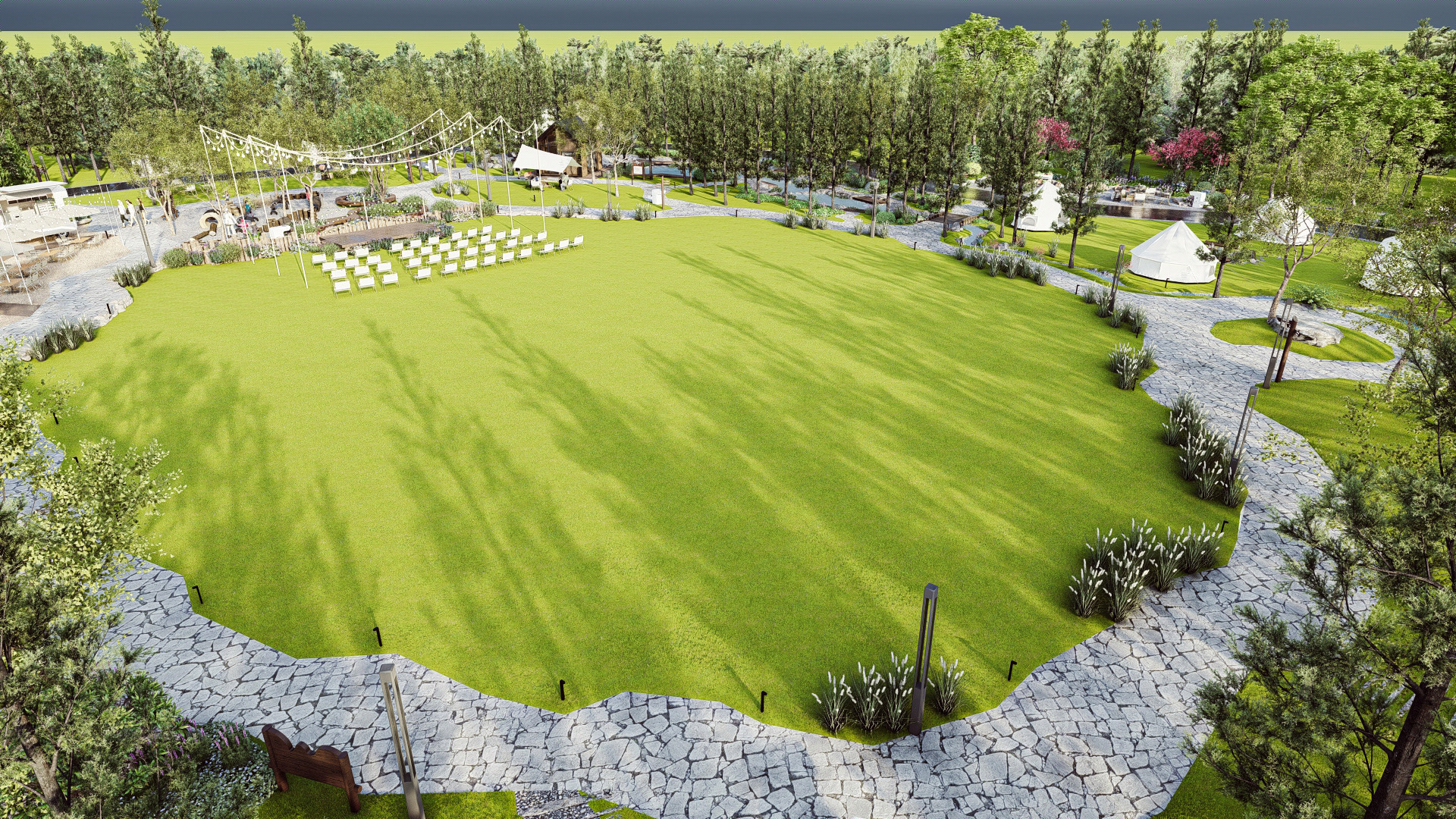
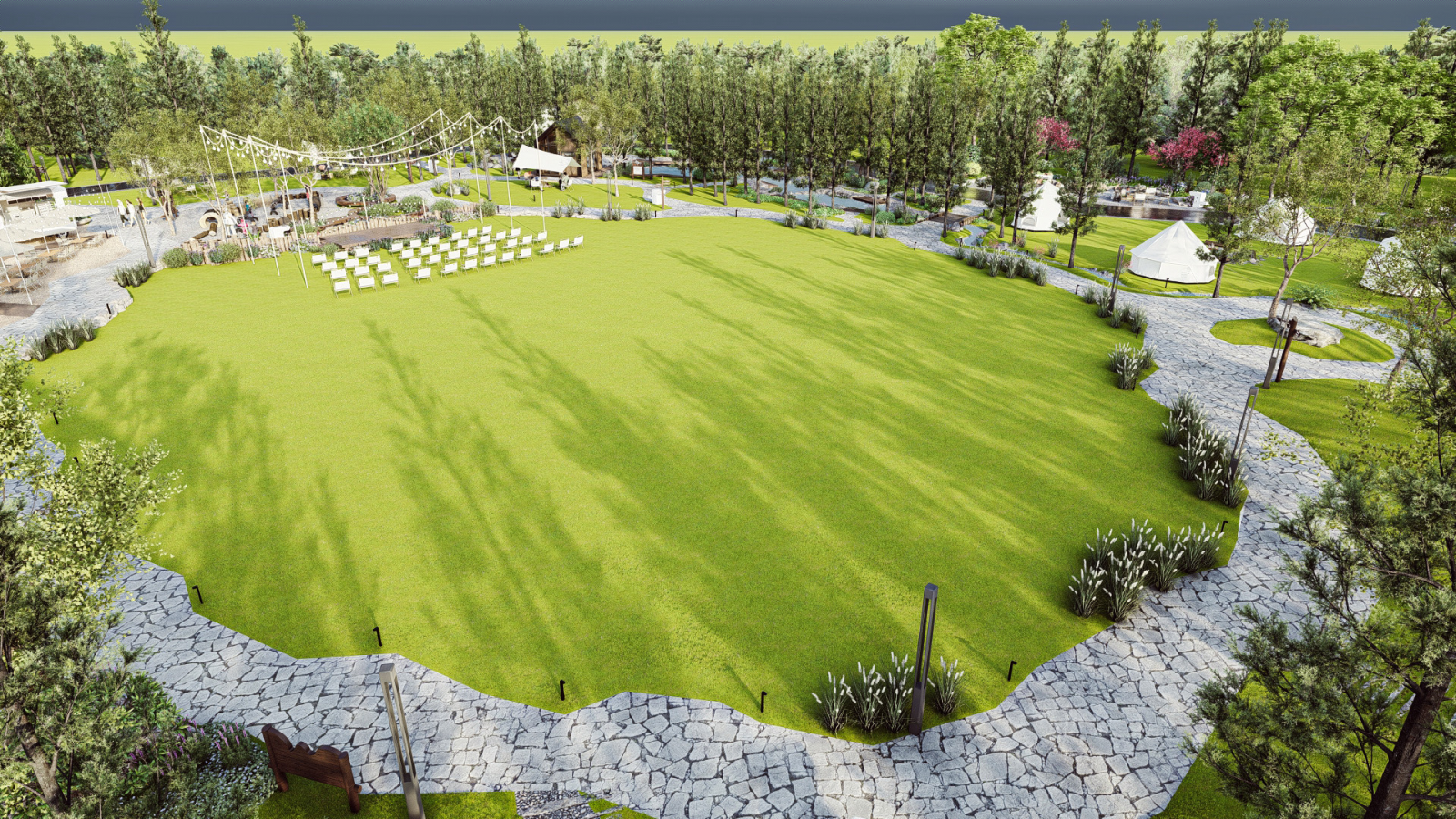
Source file: 8-Camping.png. Reference: byduk-29808.
Credit
BYD / BYD UK Media
Copyright
© BYD — editorial and media use; source-specific credits apply
Recommended Comments
Join the conversation
You can post now and register later. If you have an account, sign in now to post with your account.