




Skip to content
View in the app

A better way to browse. Learn more.

BYD Owners’ Forum - BYDBase.com

A full-screen app on your home screen with push notifications, badges and more.

To install this app on iOS and iPadOS
  1. Tap the Share icon in Safari
  2. Scroll the menu and tap Add to Home Screen.
  3. Tap Add in the top-right corner.
To install this app on Android
  1. Tap the 3-dot menu (⋮) in the top-right corner of the browser.
  2. Tap Add to Home screen or Install app.
  3. Confirm by tapping Install.

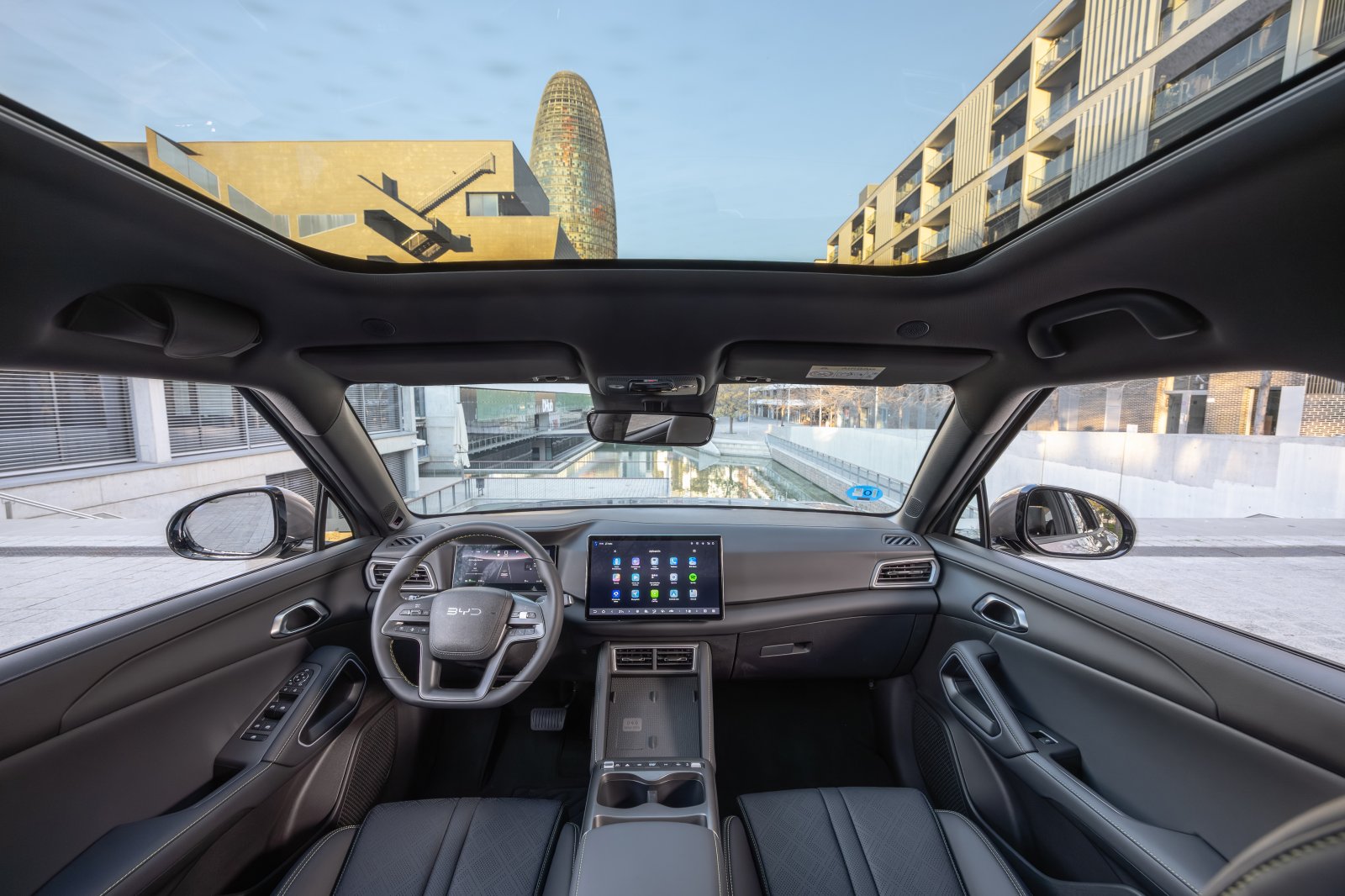
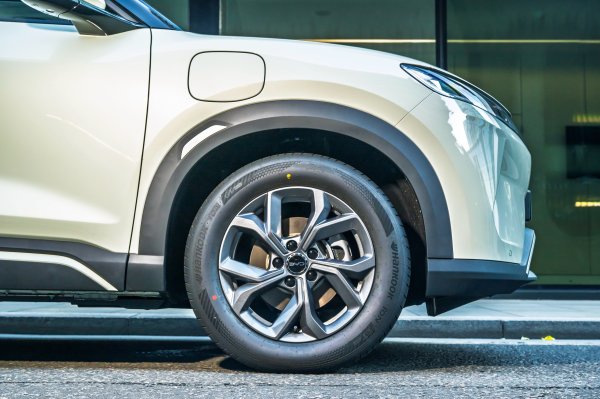
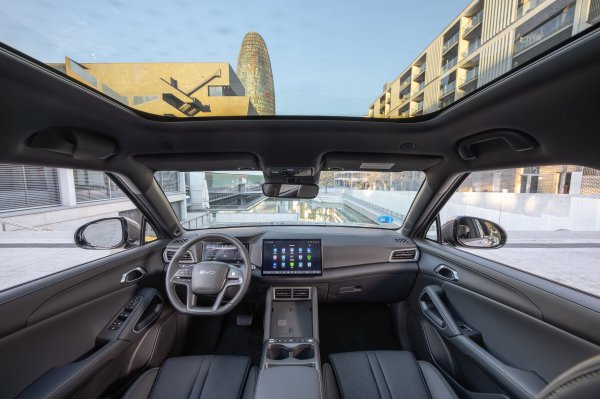
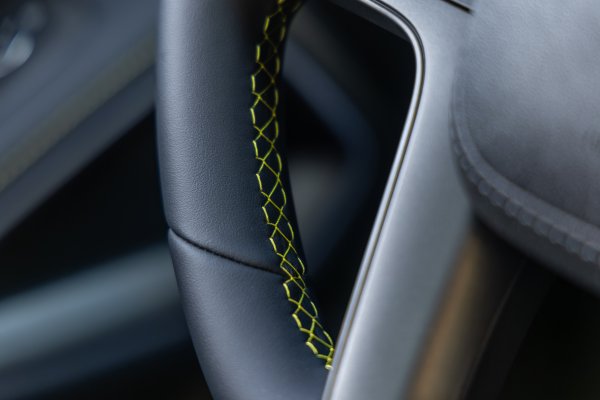
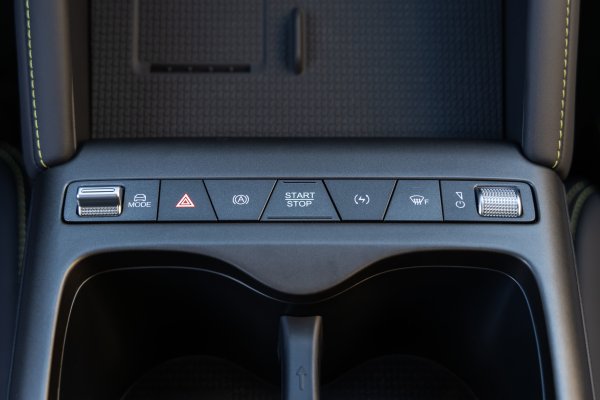
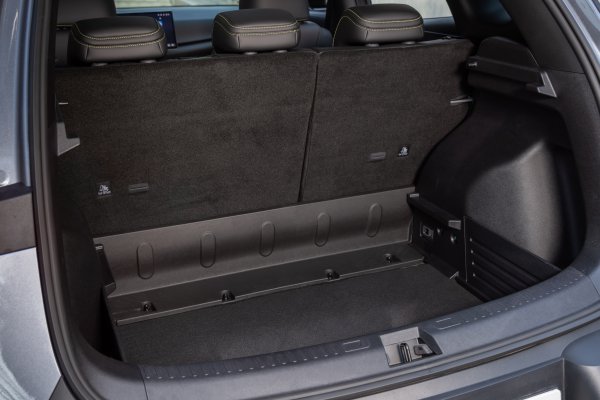
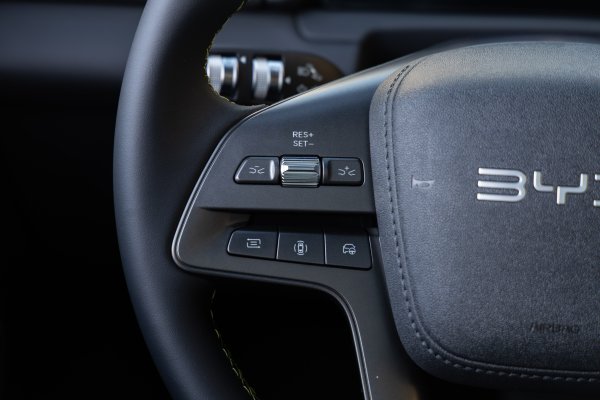
BYD ATTO 2 - Interior

BYD ATTO 2 - Interior

Official BYD press photograph, curated by the BYDbase editorial team and uploaded by PTiCA on behalf of BYDbase. UK-market press vehicles are shown; specifications, steering position and availability may differ across Europe and the Americas.

Credit: BYD / BYD UK Media. Editorial and media use under the source gallery permission; any individual credit takes precedence. Source: BYD UK Media · High-resolution original.
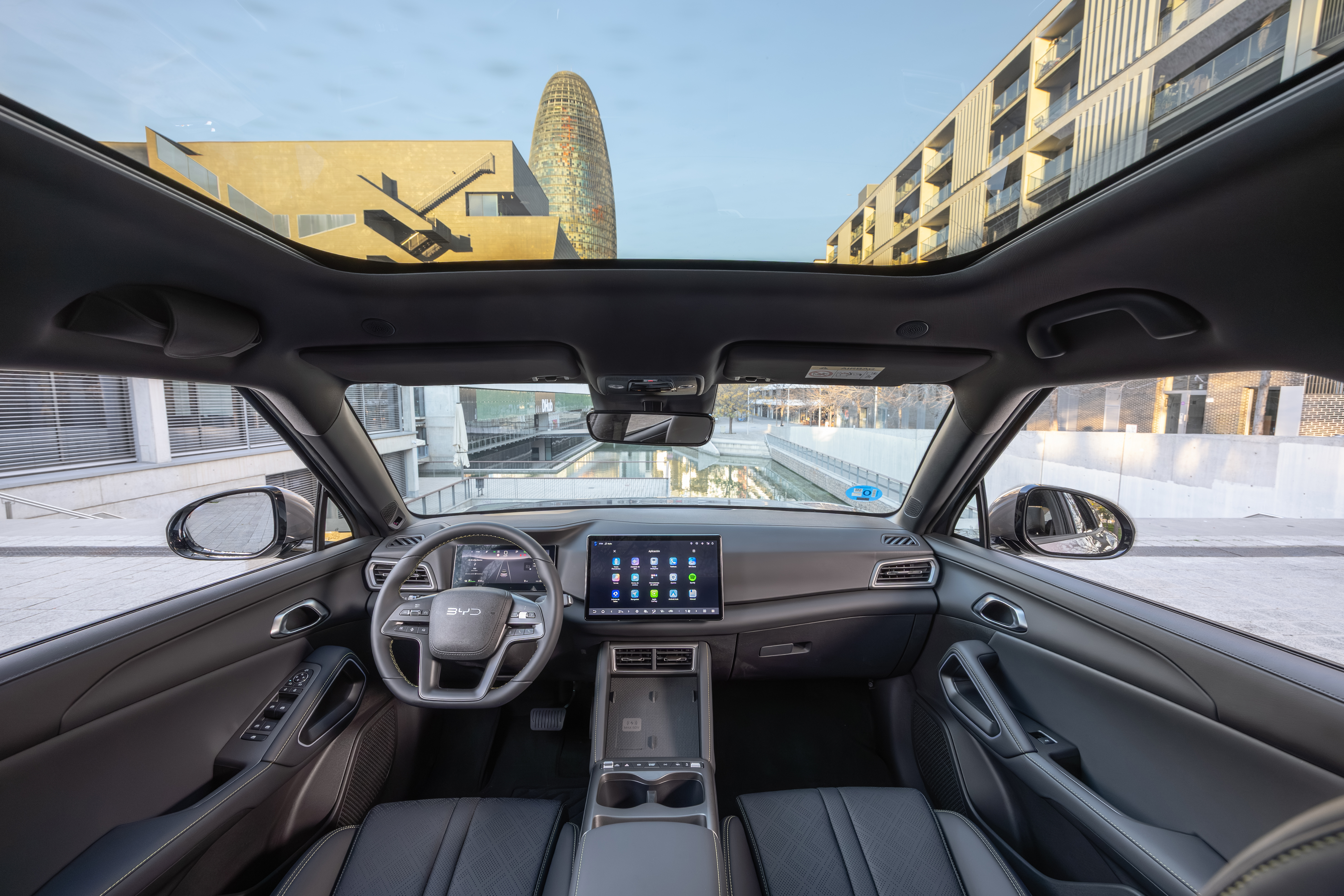
Source file: BYD-ATTO-2-Interior-4.jpg. Reference: byduk-31699.

Credit

BYD / BYD UK Media

Copyright

© BYD — editorial and media use; source-specific credits apply
  • From the album:

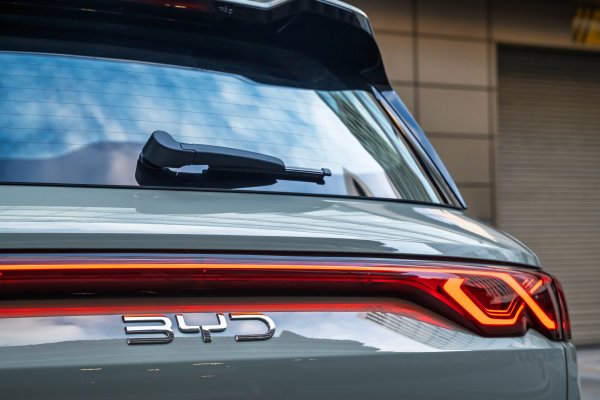
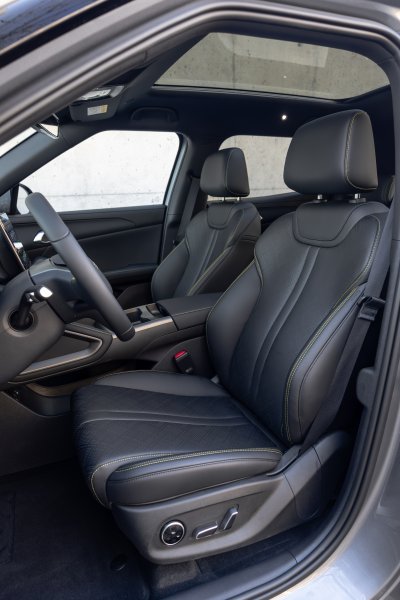
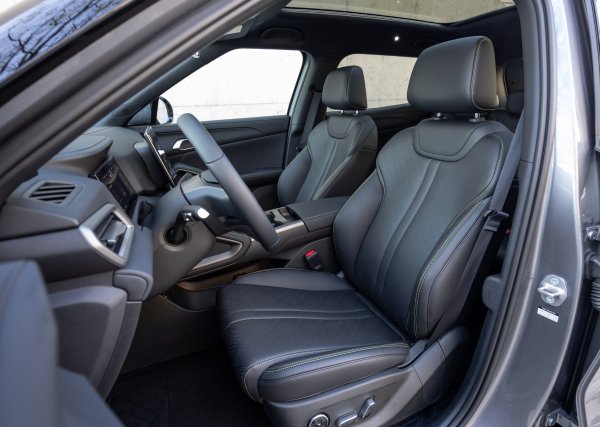
    BYD ATTO 2

    · 34 images

    Photo Information

    • Taken with Canon Canon EOS R6m2
    • Focal Length 14 mm
    • Exposure Time 1/15
    • Aperture f/7.1
    • ISO Speed 1000

    Account

    Navigation

    Search

    Search

    Configure browser push notifications

    Chrome (Android)
    1. Tap the lock icon next to the address bar.
    2. Tap Permissions → Notifications.
    3. Adjust your preference.
    Chrome (Desktop)
    1. Click the padlock icon in the address bar.
    2. Select Site settings.
    3. Find Notifications and adjust your preference.