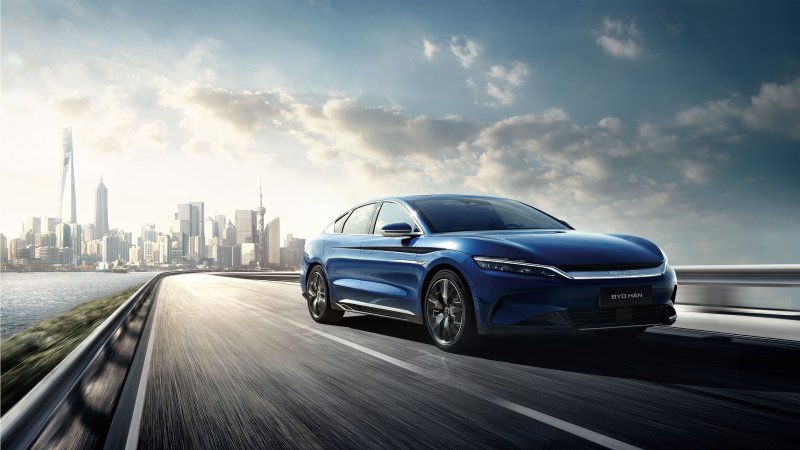
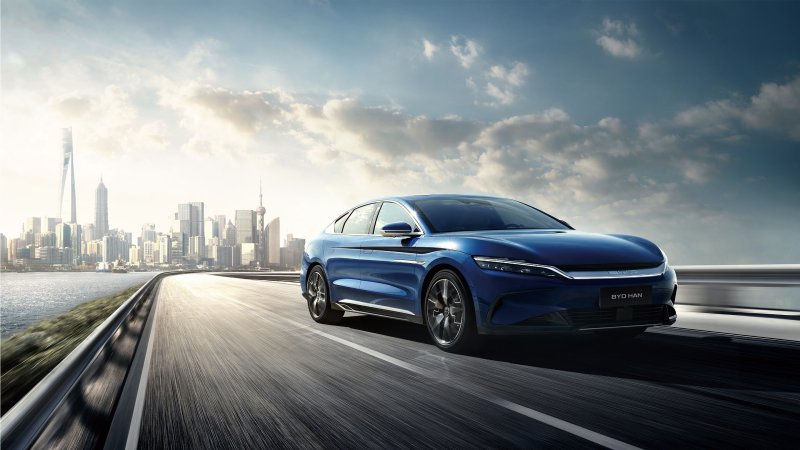
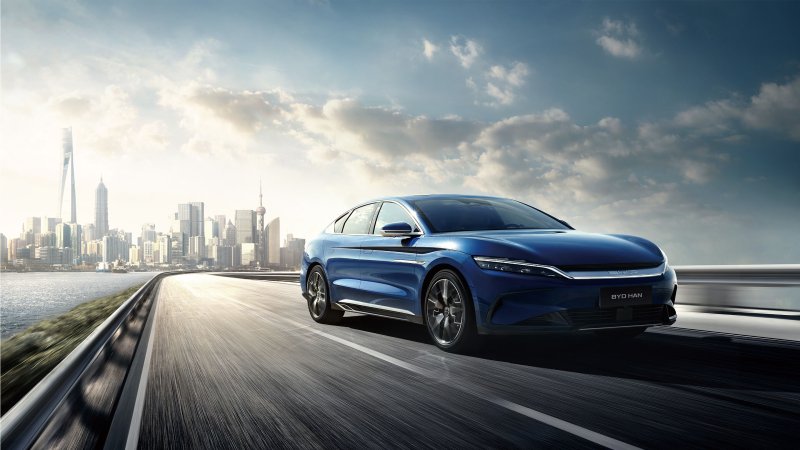
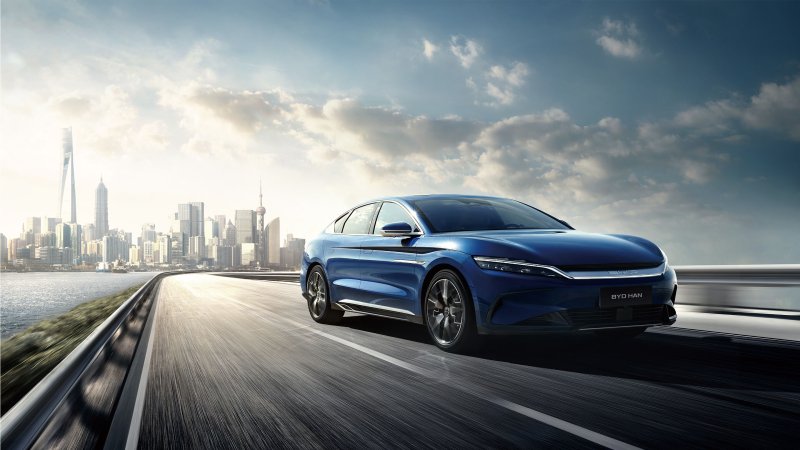
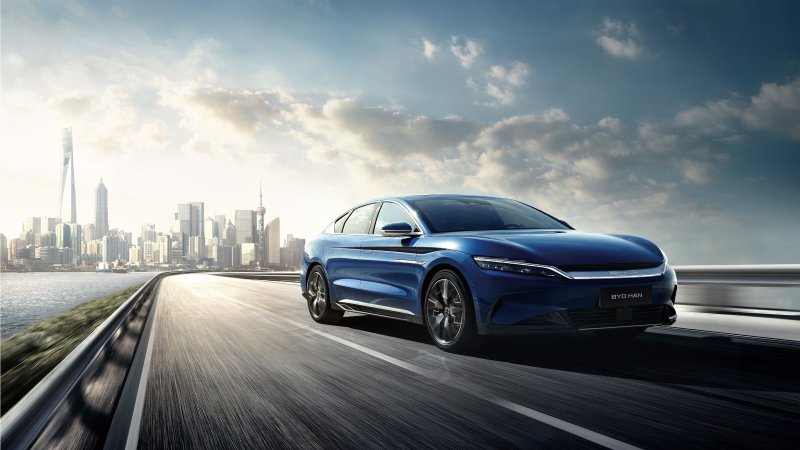
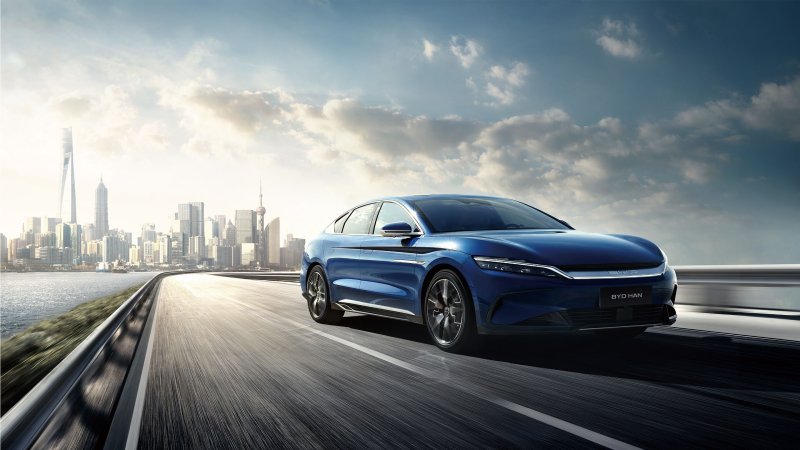
BYD HAN (EV)
An owners' forum for the HAN EV electric sedan. Compare regional versions, Blade Battery and AWD systems, charging and rear-seat comfort.
Forums
-
Buying or running a HAN EV? Compare model years, local equipment, service history and ownership costs for BYD's large electric sedan.
- 0 posts
-
Discuss the HAN EV Blade Battery, dual-motor AWD and braking on equipped versions. Identify the market and model year when comparing powertrains.
- 0 posts
-
Share HAN EV AC and DC charging sessions, highway range and energy use on longer drives. Include the battery version, weather and cruising speed.
- 2 posts
-
Compare HAN EV infotainment languages, phone pairing and navigation across regional versions. Include the market and software build with setup questions.
- 0 posts
-
Compare HAN EV rear-seat controls, seat comfort, trunk access and driver-assistance equipment. Ask about the specific features fitted to your model year.
- 1 post
-
Post HAN EV photos and a sedan ownership journal. Show your cabin setup, wheel choices and details from long drives with the market and version.
- 0 posts